31
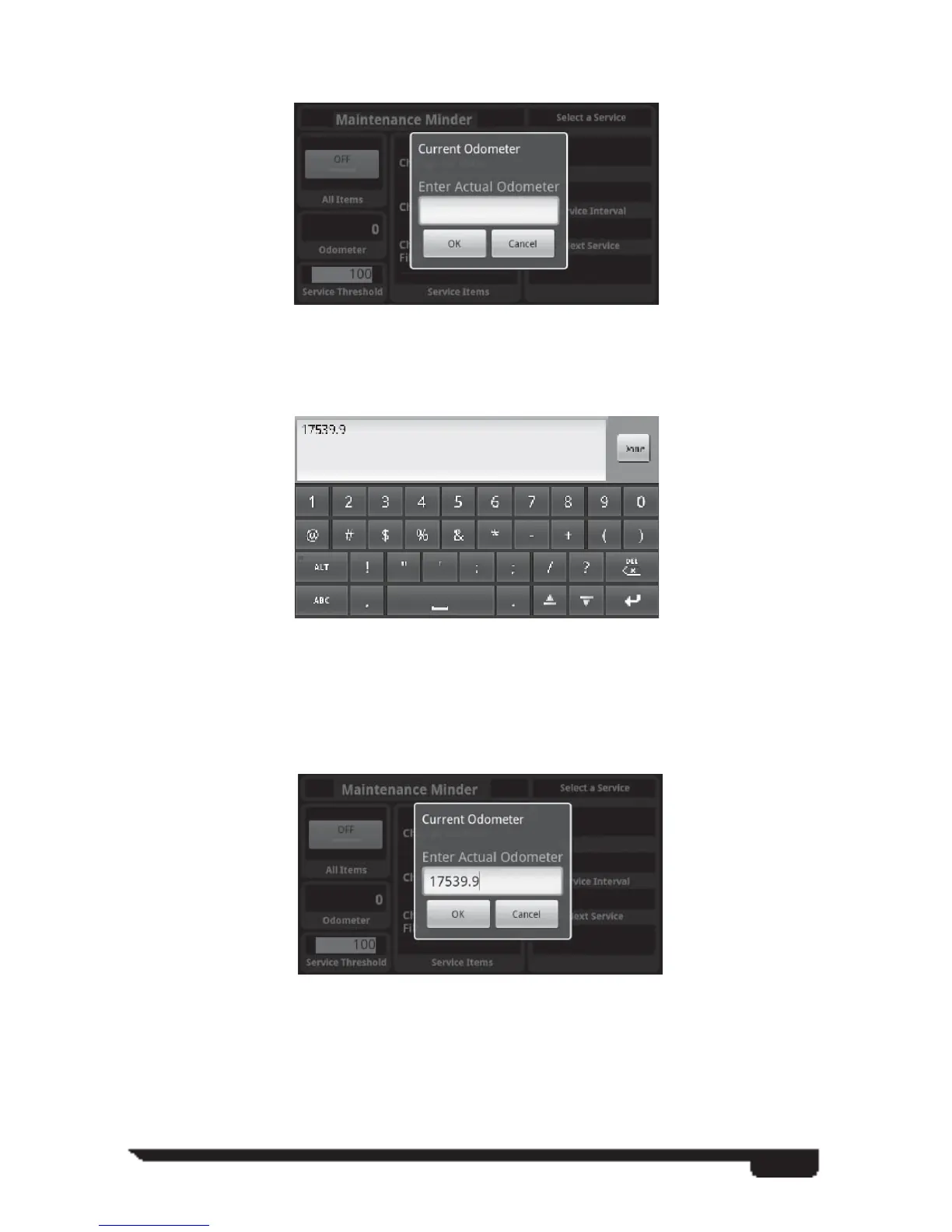
The fi rst time the application is started on a vehicle the screen should look something
like this: when opened up for the fi rst time, auto prompts for odo.
Notice that the Odometer value on the lower left is 0 and the notifi cation icon on the
status bar indicates the Maintenance Minder is not working.
At this point you must enter the current vehicle odometer value as shown on the
vehicle’s dash.
Selecting the menu item shows this screen:
When you tap on the edit box it brings up the keyboard and text entry fi eld.
You enter the vehicle’s odometer value and hits the DONE button to show the dialog
again:
After verifying the value entered is correct you hit the OK button.



 To Next Page