32
Now the Maintenance Minder has all the information it needs to operate, and the
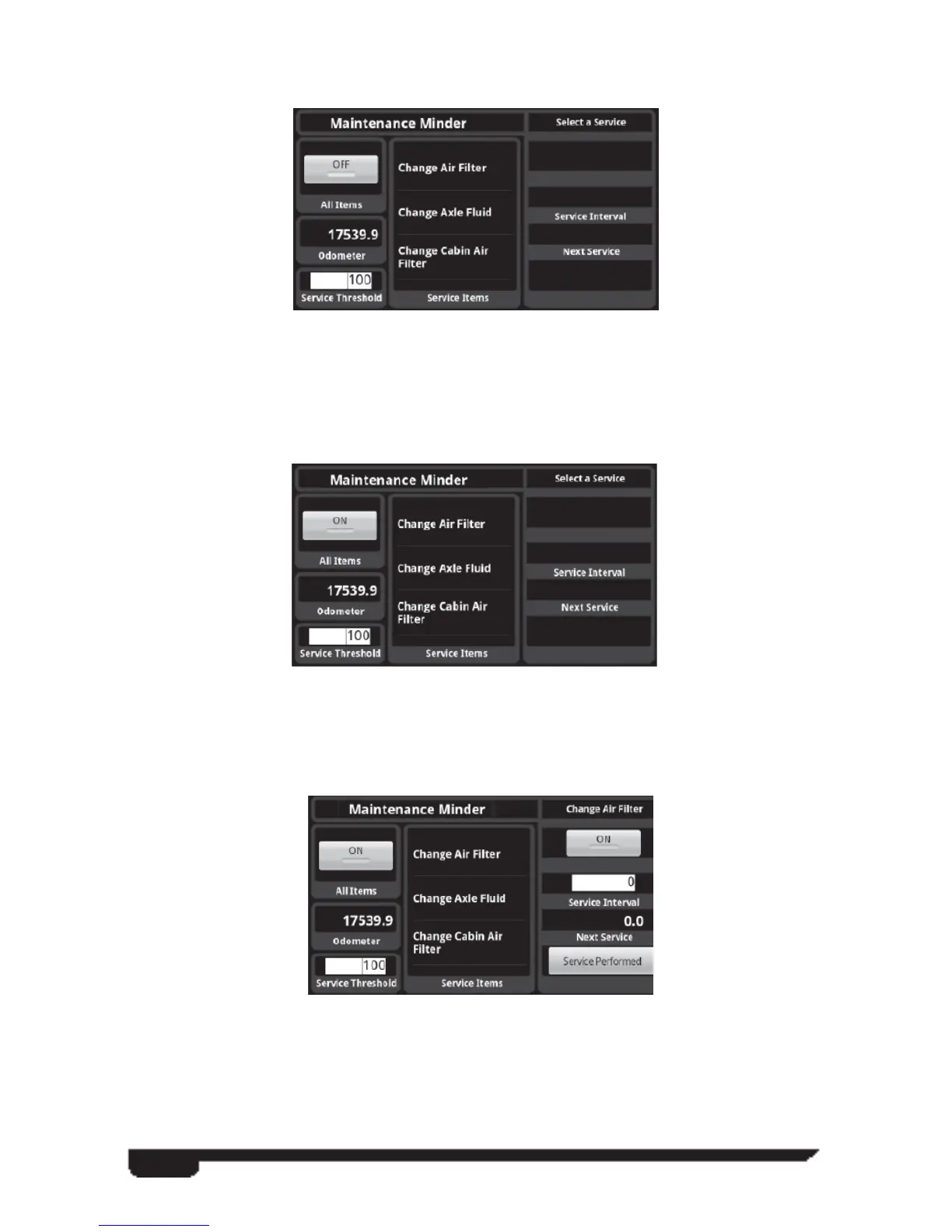
screen should look something like this:
Notice that the All Items check button is off which also causes the notifi cation icon to
show the Maintenance Minder is off.
Tapping the “ON” button in the All Items check box causes the notifi cation to turn
green:
Tapping on one of the service items in the list causes the fi elds on the right side of the
screen to show up:



 To Next Page