Vivint Element CT200 Operation Guide
Product Overview
5
Exterior View
Screens
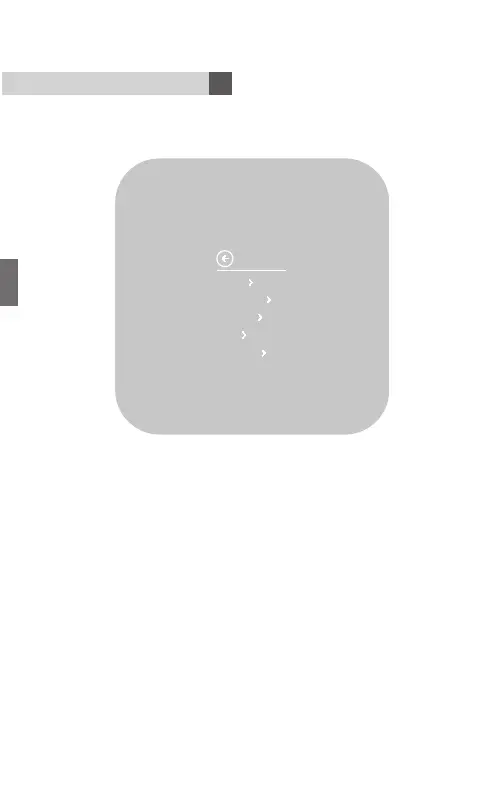
Navigating the Vivint Element screens
• Use the UP and DOWN buttons to move the cursor on the screen.
• Use the SIDE button to make a selection or scroll through options.
• To go back to a previous screen, highlight the arrow at the top of
the screen and press the SIDE button.
To return to the Home screen
• Use the arrow (multiple presses)
• Press and hold the SIDE button for one (1) second
• Wait 10 seconds for the device to sleep, then press any button to
wake it again.
Units
Humidity
Display
Info
Installer
SETTINGS
32



 To Next Page