Customization
Vivint Element CT200 Operation Guide
The Settings screen provides access to many features and settings of
the Thermostat. Features you can control on the Settings screen are
ºF / ºC display, humidity targets, display behavior, information about
the Thermostat, and installer settings. The following pages provide
detailed information about each of these settings.
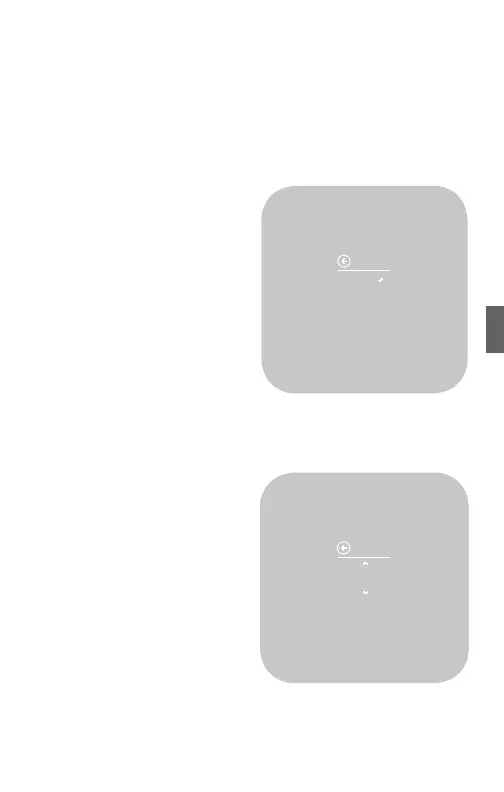
Units
The Thermostat can display either
Fahrenheit or Celsius temperature
units. The Thermostat can display
room temperatures in a range
from 28°F to 99°F (-2°C to 37°C)
with increments of 0.5° (F or C).
1. From the Home screen, press
and hold the SIDE button for
three (3) seconds.
2. Press DOWN to highlight Units,
then press the SIDE button. The
currently selected option has a
check mark next to it.
3. Using the UP or DOWN buttons,
select an option, then press the SIDE button to conrm.
Humidity
This screen is only available if
your system includes humidity
controlling equipment.
1. From the Home screen, press
and hold the SIDE button for
three (3) seconds.
2. Press DOWN to highlight
Humidity, then press the SIDE
button. The current Humidity
Target Level percentage
displays. Every 10 seconds,
the display shows the target
temperature associated with
the humidity value.
3. Press UP or DOWN to set a new target humidity percentage, then
press the SIDE button to conrm.
TAP SIDE BUTTON
TO GO BACK
45%
HUMIDITY
TARGET LVL
37



 To Next Page