Customization
Vivint Element CT200 Operation Guide
Reset
The Reset menu enables you to restart the Thermostat, as well as to
reset the device to factory defaults.
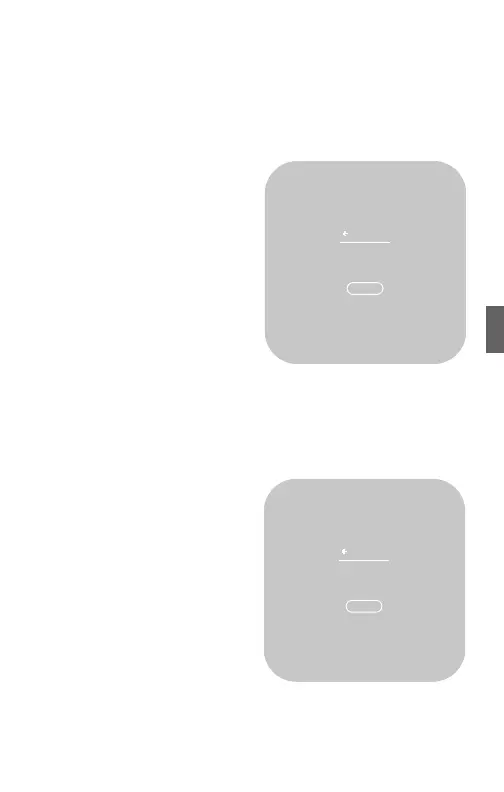
RESTART
1. From the Home screen, press
and hold the SIDE button for
three (3) seconds.
2. Press DOWN to highlight
Installer, then press the SIDE
button.
3. Press DOWN to highlight Reset,
then press the SIDE button.
4. Press DOWN to highlight
Restart, then press the SIDE
button.
5. To conrm that you want to
restart the device, press DOWN to highlight Reset, then press the
SIDE button.
The device restarts.
RESET
1. From the Home screen, press
and hold the SIDE button for three
(3) seconds.
2. Press DOWN to highlight
Installer, then press the SIDE
button.
3. Press DOWN to highlight Reset,
then press the SIDE button.
4. Press DOWN to highlight Reset,
then press the SIDE button.
5. To conrm that you want
to reset the device to factory
defaults, press DOWN to highlight
Reset, then press the SIDE button.
The device resets itself and reboots. You will need to connect the
device to your Z-Wave Network and specify your system’s equipment
and settings. See the Installation Guide Setup section.
Restart
RESTART
Restart
thermostat
now?
Reset
RESET
Reset to
factory
defaults?
43



 To Next Page