Initial Mobile Device Setup
MOBILE DEVICE – ANDROID AND IOS SYSTEM REQUIREMENTS
• Android cellphone/tablet with OS 4.4 or higher
• iPhone/iPad with iOS 9.0 or higher
VIVITAR SMART HOME SECURITY – INSTALL AND LAUNCH
1. Make sure your mobile device is connected to a Wi-Fi Network via the Settings of your
mobile phone or tablet.
2. Use your mobile phone or tablet to search for Vivitar Smart Home Security in the Google
Play Store (for Android OS) or the Apple App Store (for iOS).
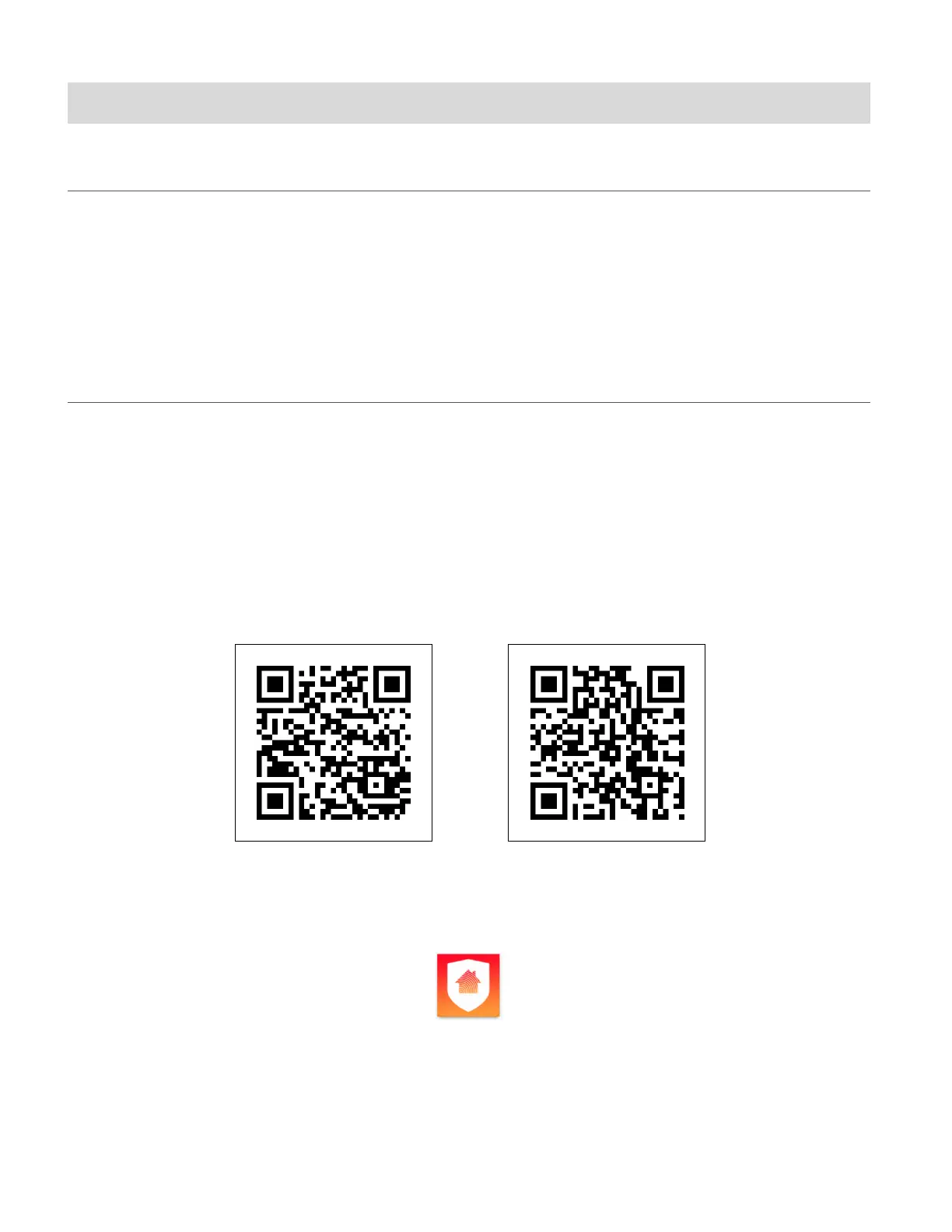
Alternatively, scan the QR codes below to find the application.
Android OS iOS
3. Install the application according to the instructions as seen on your mobile device.
4. After successfully installing Vivitar Smart Home Security, tap the icon to launch the
application.



 To Next Page