Initial Camera Setup
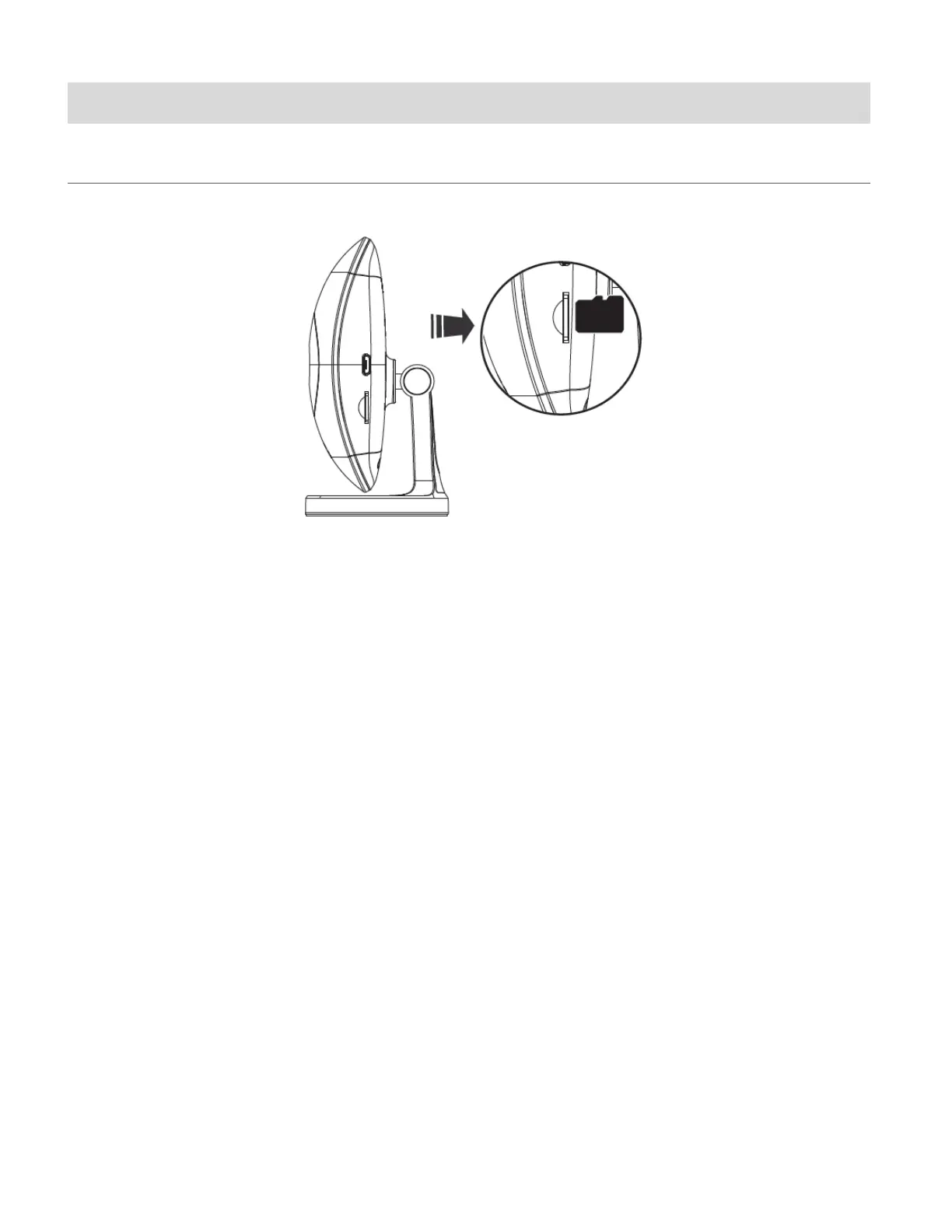
INSTALLING THE MEMORY CARD
Make sure a Micro SD Memory card (Class 4 or higher, up to 32 GB) has been properly inserted
into your Smart Security Cam. Micro SD Memory card not included and must be purchased
separately. To properly insert the Micro SD Memory Card:
1. Insert the Micro SD memory card into the Micro SD Card slot as shown in the illustration
above.
2. Gently press the Micro SD Card until you hear a slight clicking sound.
This indicates the memory card has been inserted correctly.
NOTE: Make sure to insert the Micro SD Memory card before plugging in your device.



 To Next Page