QUICK OVERVIEW
ADD NEW VIVITAR
SMART HOME DEVICES
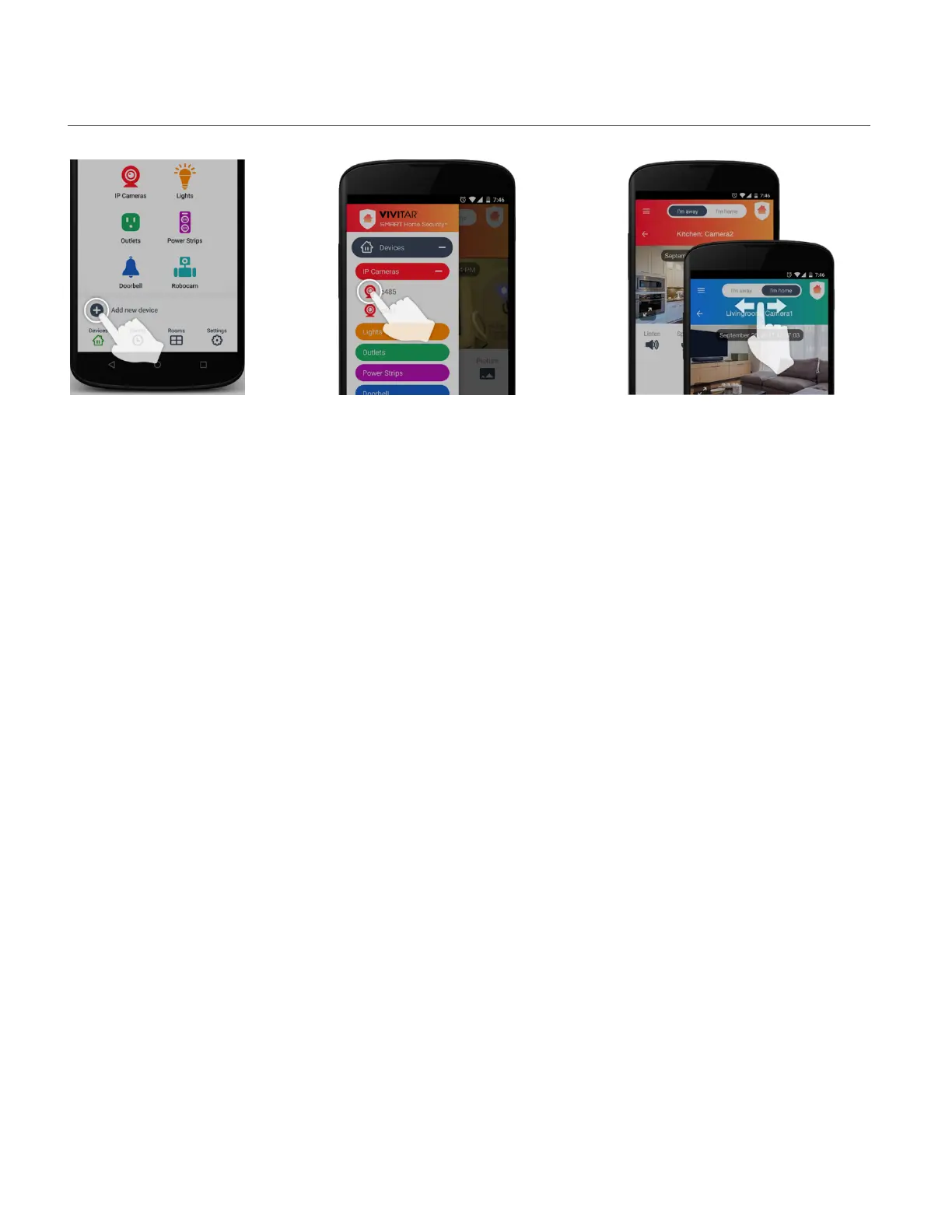
Tap the ‘Add new device’
button on the Home screen
and follow the instructions
to add your new device.
CONTROLS ALL VIVITAR SMART
HOME DEVICES
Tap the ‘Main Menu’ button to easily
navigate to all the main functions of the
app. Tap ‘Devices’ to control your smart
lights, indoor and outdoor IP cameras,
electric outlets and more.
HOME & AWAY MODES
Switch the Home & Away modes when
you leave your home and when you
come back to automatically adjust all the
devices’ security settings in your home.



 To Next Page