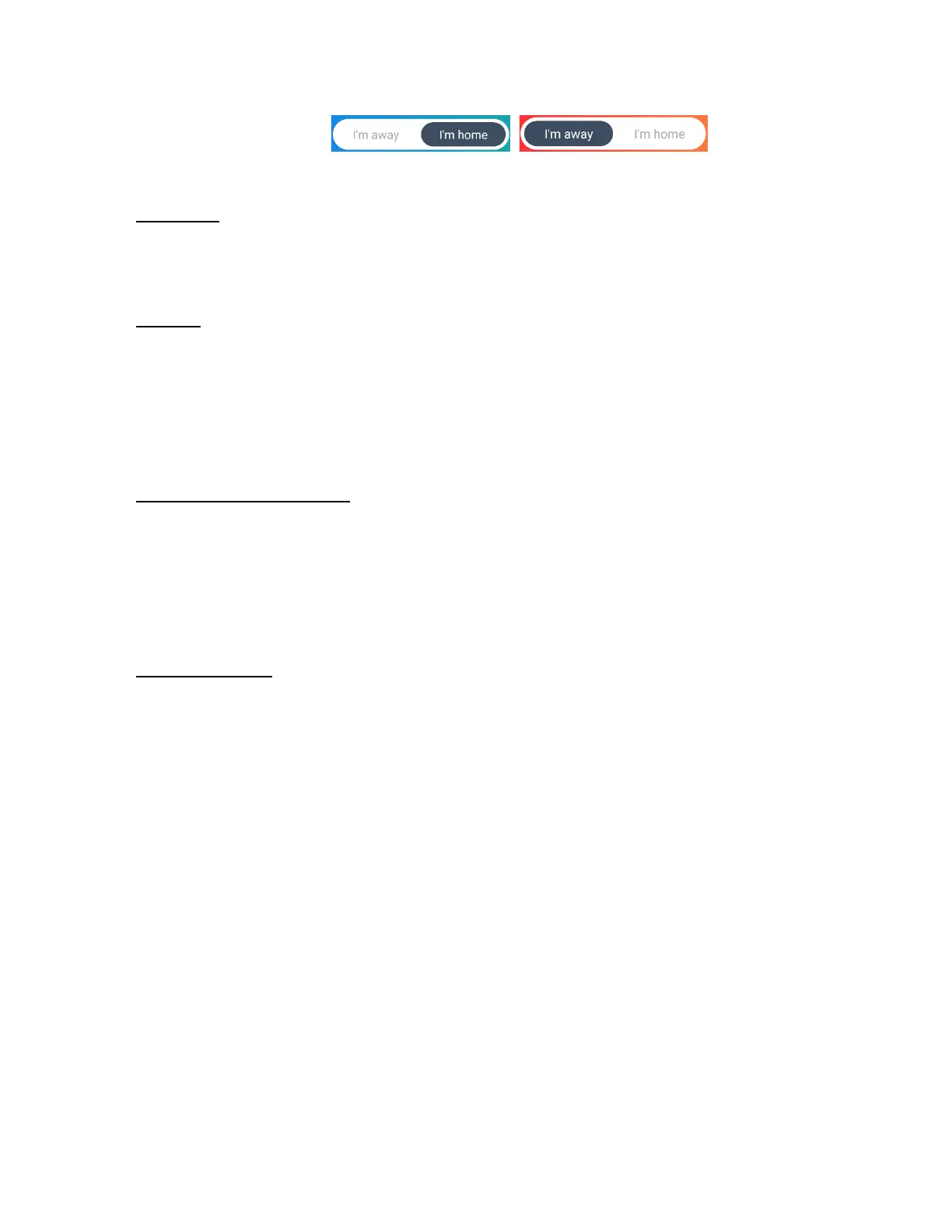
- To apply your Home & Away settings, please toggle the I’m away / I’m home switch at
the top of your screen.
• Firmware:
The IP Camera’s firmware version number is displayed.
• Restart:
Tap Restart to restart your IP Camera.
A message appears to reconfirm. Tap Cancel to return to the settings without restarting
or tap Restart to restart your IP Camera.
• Restore factory settings:
Tap to restore your IP Camera to the factory’s original settings.
A message appears to reconfirm. Tap Cancel to return to the settings without restoring
the factory settings or tap Reset.to restore the settings to the default factory settings.
• Remove device:
Tap Remove device to remove the IP Camera from your account.
A message appears to reconfirm. Tap Cancel to return to the settings without removing
the camera or tap Remove.to remove the IP Camera from your account. If you have
selected to remove the camera, a message appears once the device is successfully
removed.



 To Next Page