Tap > OFF, Low, Medium or High.
NOTE: The app default is set to OFF while you are at home.
• Sound detection - AWAY:
Select one of the options to set up the Sound detection level in the Away mode:
Tap > OFF, Low, Medium or High
NOTE: The app default is set to Medium while you are away from home.
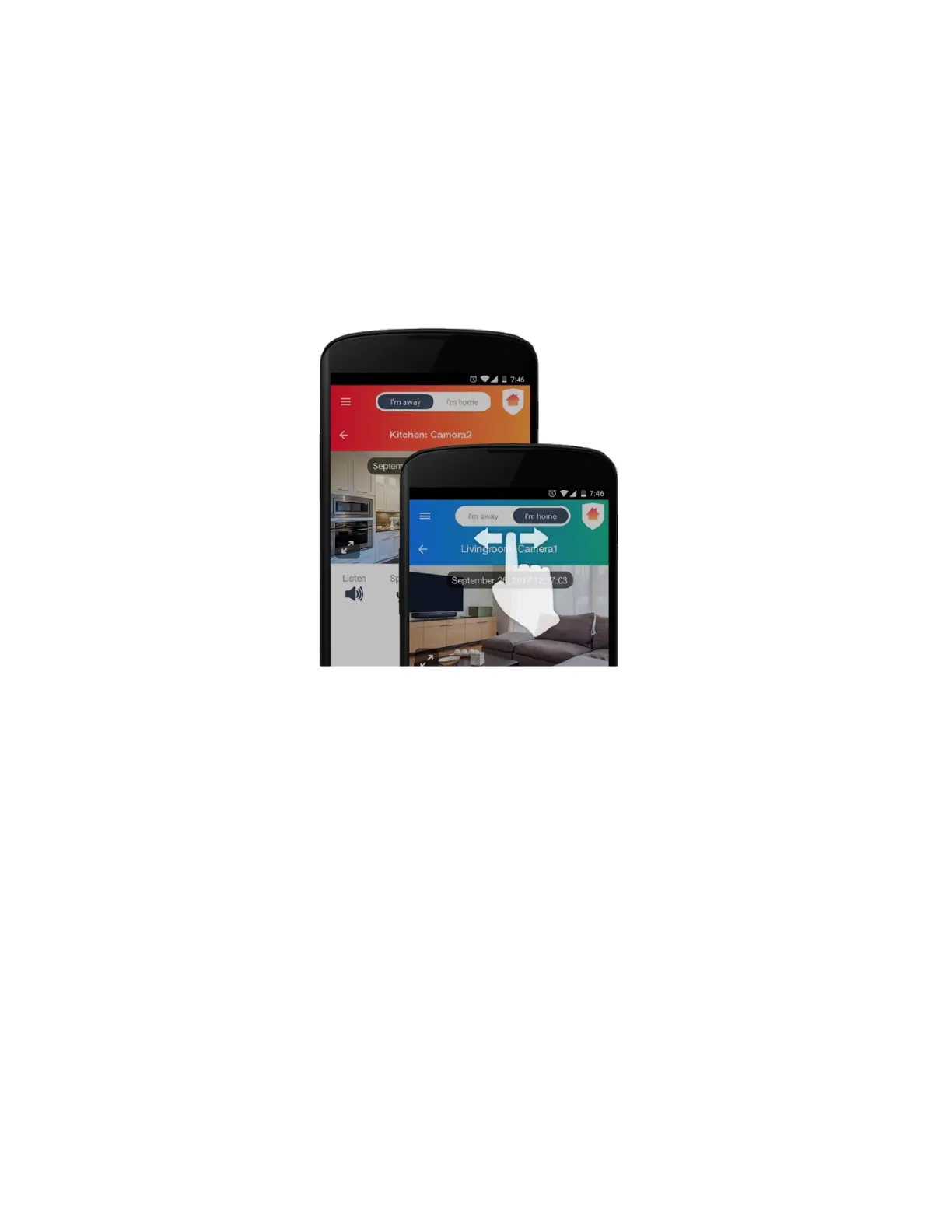
Switch the Home & Away modes when you leave your home and when you come back to
automatically adjust all the devices’ security settings in your home.
Slide your finger on the Home/Away mode button to select the mode ‘I’m away’ or ‘I’m home’.
NOTE: The top background color for Away Mode is red and for Home Mode the background



 To Next Page