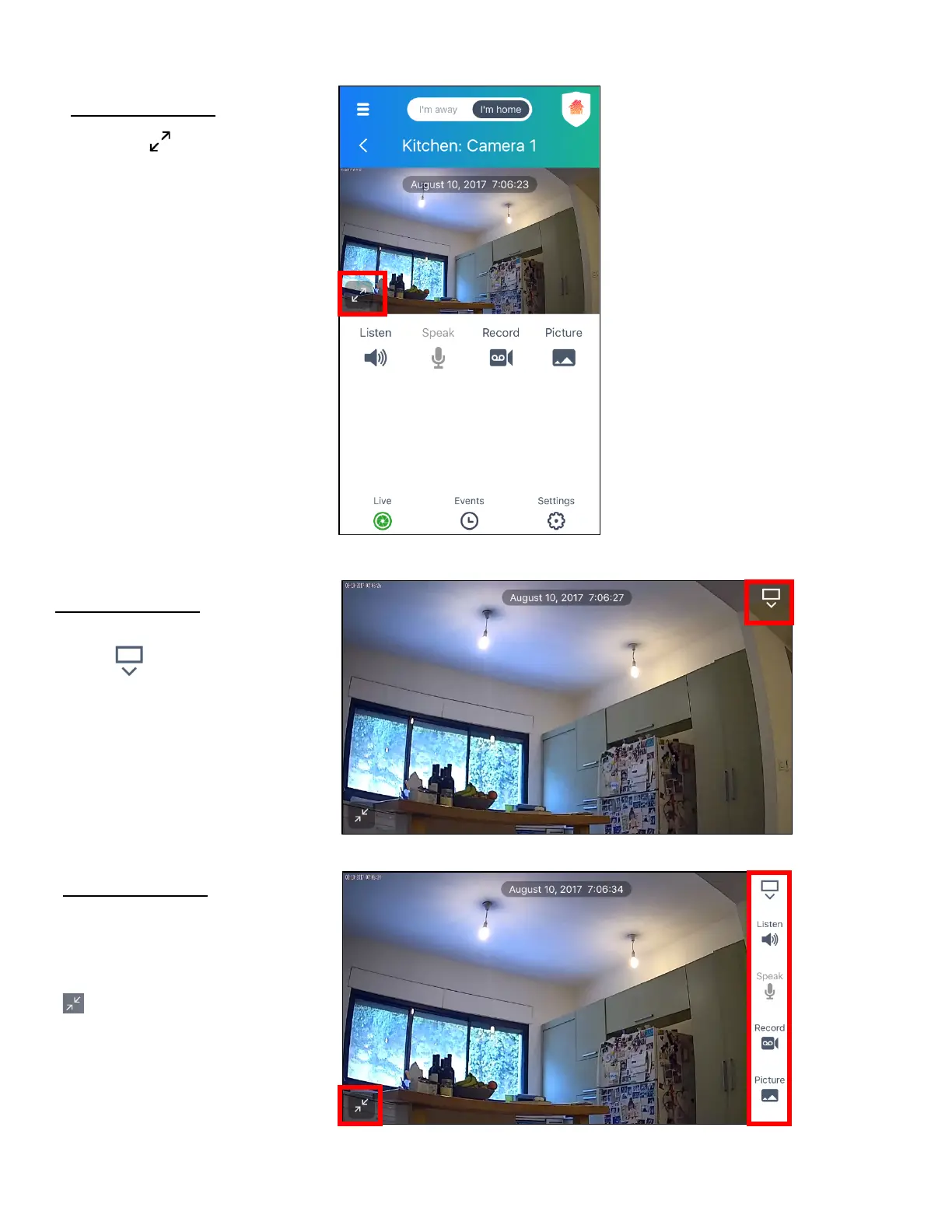
Live IP Camera View: Portrait View
Tap on the Full Screen button to
open the Live IP Camera View in Full
Scree, Landscape View.
Live IP Camera View: Full Screen
View, Landscape
Tap the Options expand
button to open and view the options
as shown below.
Live IP Camera View: Full Screen
View, Landscape
Expanded Options view.
Tap the Exit full screen button to
return to the Live IP Camera screen.



 To Next Page