D
D
D
L
L
L
P
P
P
P
P
P
r
r
r
o
o
o
j
j
j
e
e
e
c
c
c
t
t
t
o
o
o
r
r
r
—
—
—
U
U
U
s
s
s
e
e
e
r
r
r
’
’
’
s
s
s
M
M
M
a
a
a
n
n
n
u
u
u
a
a
a
l
l
l
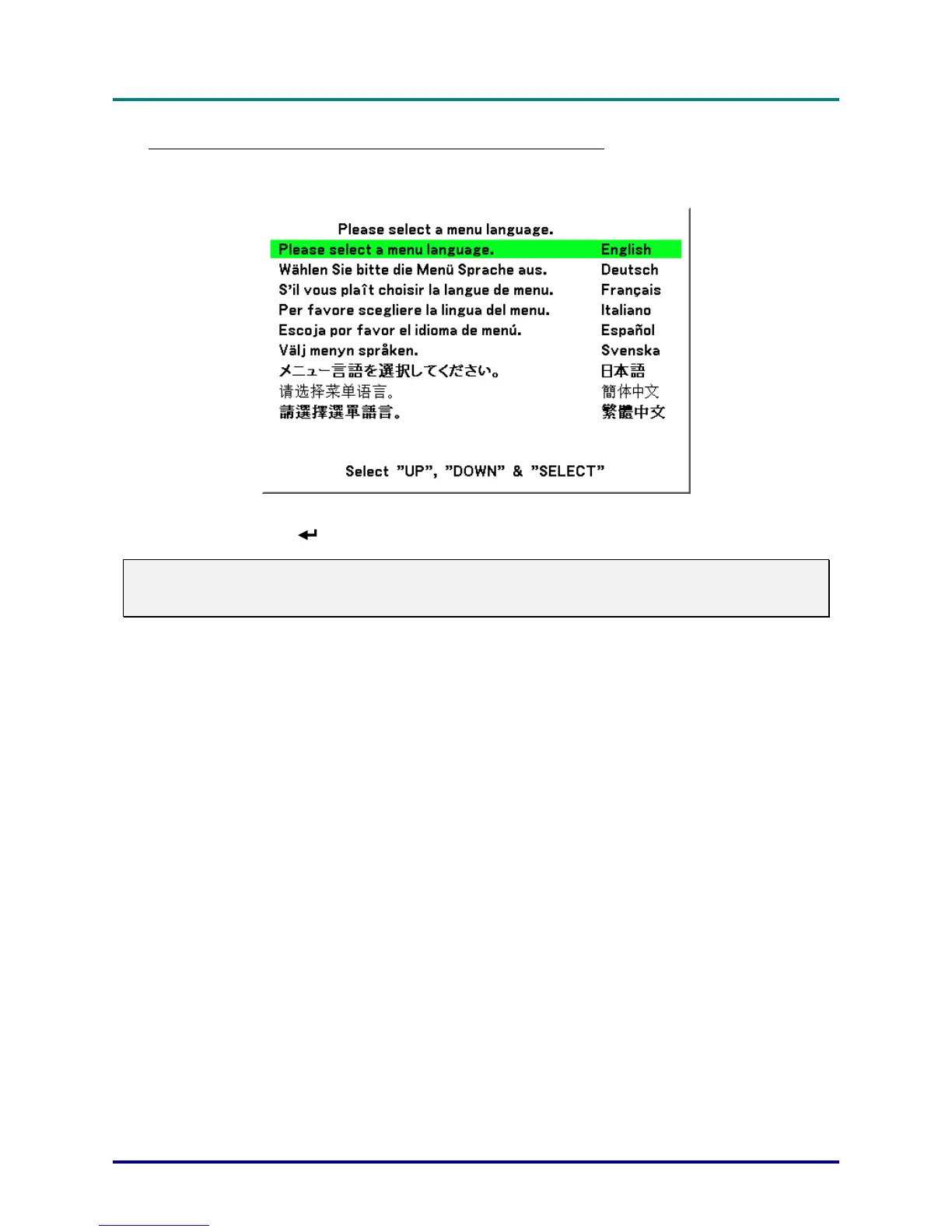
Note on Startup Screen (Menu Language Select screen)
In the first instance of powering on the projector, the language menu is displayed to select the default
language.
Select the required default language using the ▲ or ▼ buttons on the OSD menu panel or the remote
control unit and press
.
Note:
The language select screen only appears on the first instance of power on. All subsequent operations
assume the selected default language. To change the default see page 61.
– 22 –



 To Next Page