6
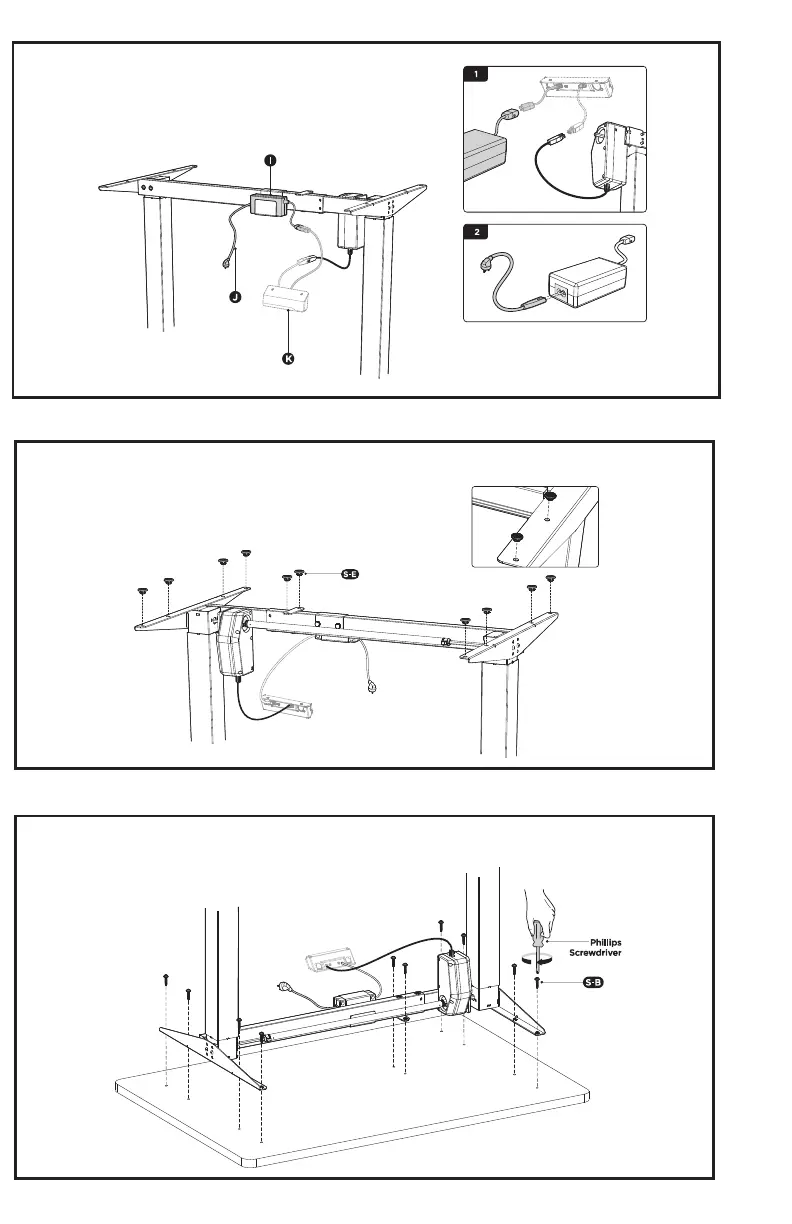
STEP 9
STEP 10
STEP 11
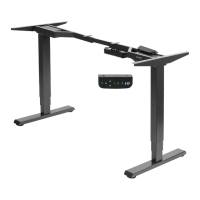
Insert the anti-vibration pads (S-E) into the desktop mounting holes in the crossbar and side brackets.
Place the assembled frame on the desktop, making sure the pre-drilled holes are aligned with the desk
frame, and secure the frame using 7/8" screws (S-B).
Connect the AC adapter and motorized leg to the controller (K).
Connect the power cable (J) to the AC adapter.




 To Next Page