10
RF Remote - Manual
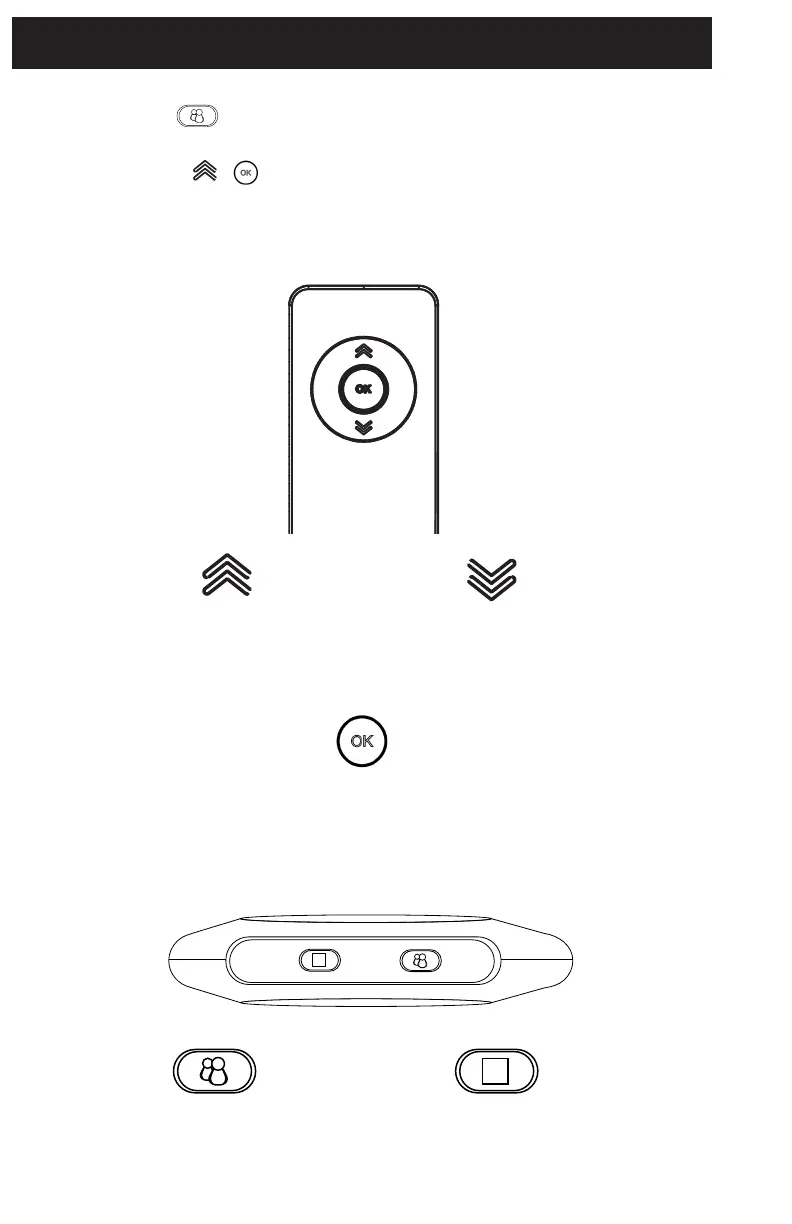
PROGRAM BUTTON:
Double press to turn on status light
and enter programming mode.
MANUAL RETRACT:
Press and hold to retract the mount
towards the motor.
OK BUTTON:
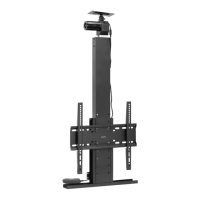
Fully retracts the mount/moves
to highest position.
PAIRING THE REMOTE:
Step 1: Double press the button on Control Unit (F). The status light on the control unit will turn
on indicating you have entered programming mode.
Step 2: Press and hold the + buttons simultaneously on the remote until the status light stops
ashing. When the status light is turned o, that indicates a successful pairing.
RF REMOTE - Button Functions:
CONTROL UNIT- Button Functions
UP ARROW:
Moves the mount upwards/retracts
mount towards the motor.
Press and hold to raise your TV.
DOWN ARROW:
Moves the mount downwards/
extends mount away from the motor.
Press and hold to lower your TV.


 To Next Page