7
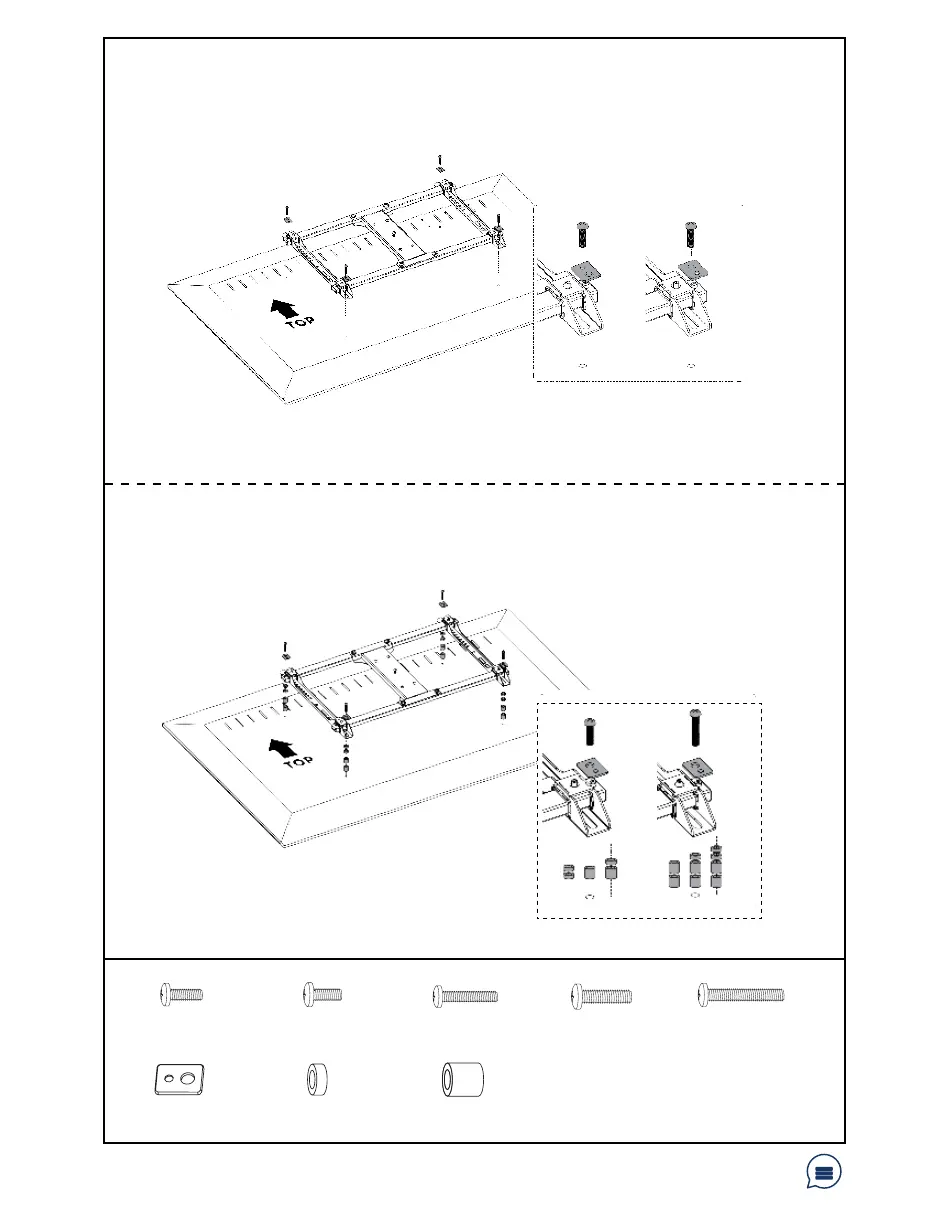
STEP 3: Mounting VESA Assembly
Have a question? Give us a quick call / chat!
309-278-5303 or vivo-us.com
OPTION A: Flat Back TV
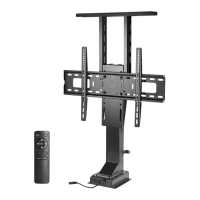
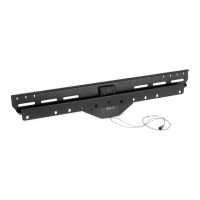
Align the VESA bracket assembly with the mounting holes in the back of the TV screen. Install
assembly to TV using appropriate screws (M-A, M-B) and Square Washers (M-F) according to your
screen’s requirements.
M-A
M-B
M-F
M-F
OPTION B: Curved/Recessed Back TV
Align the VESA bracket assembly with the mounting holes in the back of the TV screen. Install
assembly to TV using appropriate screws (M-C, M-D, M-E), Square Washers (M-F) and Spacers
(M-G, M-H) according to your screen’s requirements.
M-C
M-D
M-G
M-H
M-F
M-E
M-E
M-G
M-H
M-G (x8)
Small Spacer
M-E (x4)
M8x50mm Screw
M-A (x4)
M5x14mm Screw
M-B (x4)
M6x14mm Screw
M-C (x4)
M6x30mm Screw
M-F (x4)
Square Washer
M-D (x4)
M8x30mm Screw
M-H (x8)
Large Spacer


 To Next Page