8
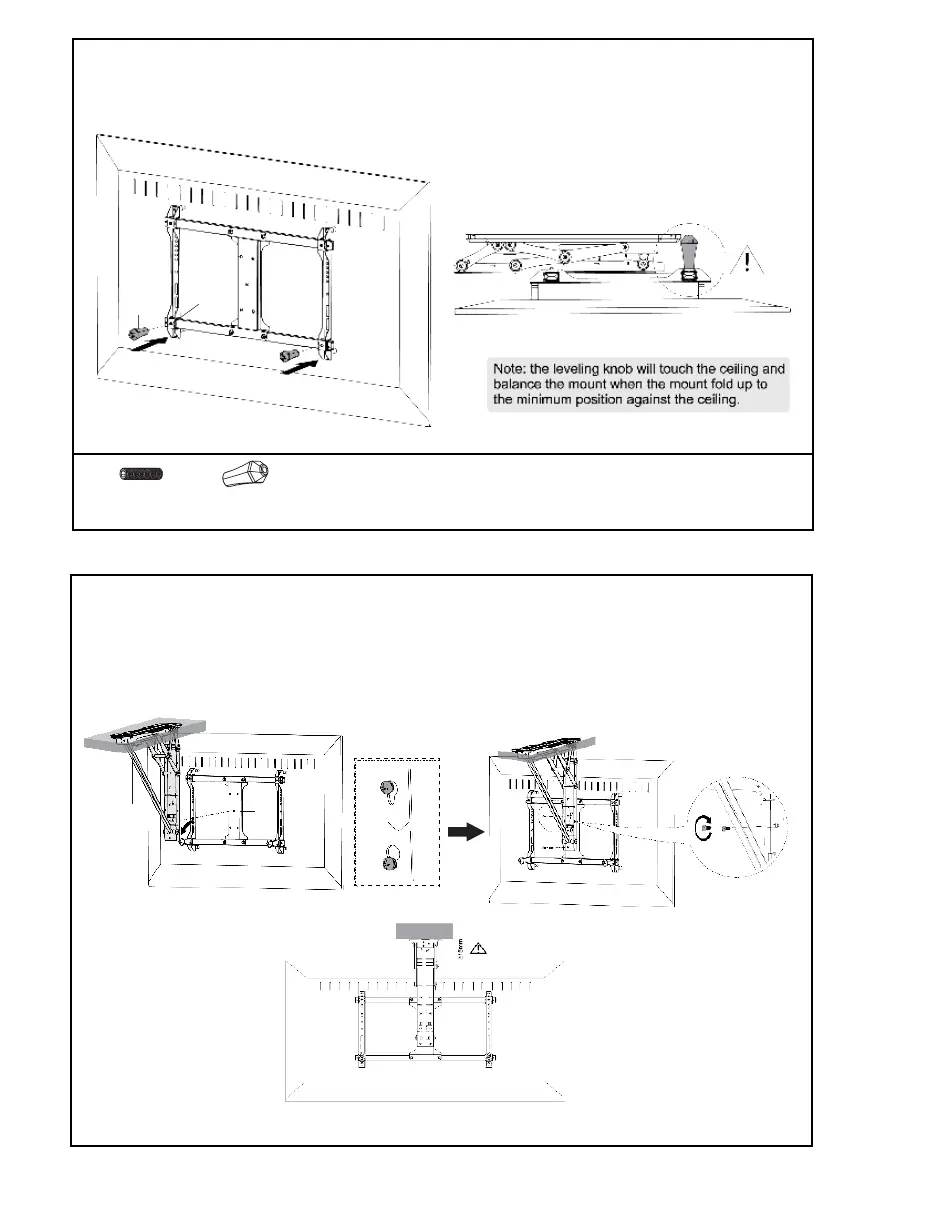
STEP 4: Attach Leveling Knobs (Optional)
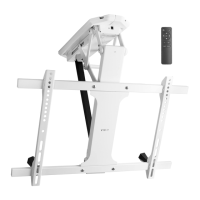
STEP 5: Place TV on Mount
Attach Leveling Knobs (J) to the lower two Set Screws (S-A) as shown. This will ensure the TV is
perfectly level with the ceiling when raised.
J (x2)
Leveling Knob
S-A (x4)
Set Screw
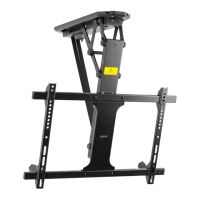
Place the TV with VESA bracket assembly on Mount (A) by inserting the center screw on Center
Plate (B) into the keyhole on Mount (A) at the desired height. Secure using previously removed
screws (STEP 2) and tighten with a Phillips screwdriver. Clearance between the ceiling and top
edge of TV should be no less than 15mm when TV is in the fully lowered position.
S-A
J
A
B


 To Next Page