VIVOTEK
46 - User's Manual
Video > Stream settings
Advanced Mode
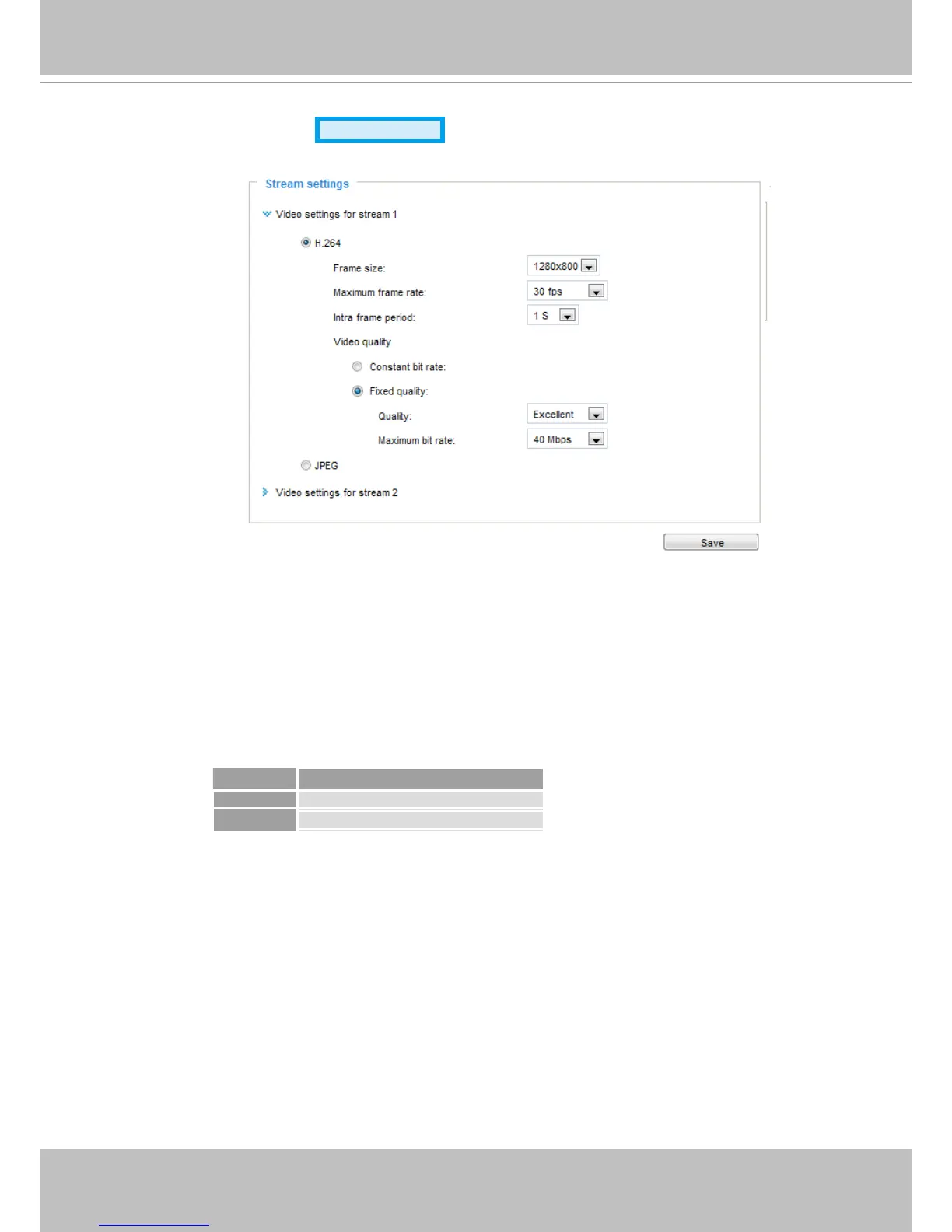
This Network Camera supports multiple streams with frame size ranging from 176 x 144 to 1280 x 800.
Please follow the steps below to set up those settings for an individual stream:
1. Select a stream to congure its viewing region.
2. Choose a proper Frame Size from the drop-down list according to the size of monitored device.
3. Select the Maximum frame rate.
■ The parameters of the multiple streams:
To change frame size, frame rate, and other related settings, click on video settings for a video stream to
its individual conguration panel.
Frame size
Stream 1 1280 X 800 ~ 176 x 144 (Selectable)
Stream 2
1280 X 800 ~ 176 x 144 (Selectable)














 To Next Page