VIVOTEK
User's Manual - 99
Recording > Recording settings
Advanced Mode
This section explains how to congure the recording settings for the Network Camera.
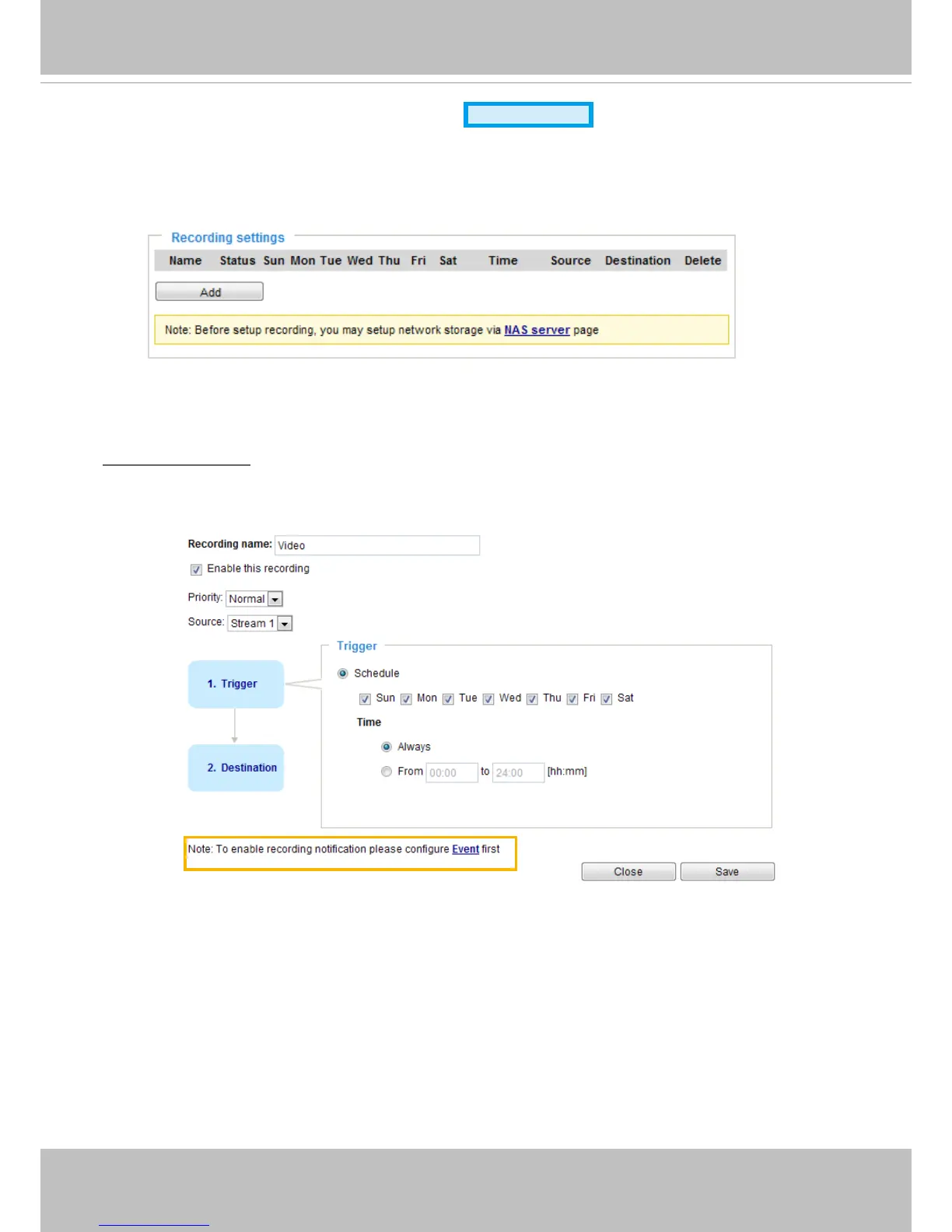
Recording Settings
Recording Settings
Click Add to open the recording setting window. On this page, you can define the recording source,
recording schedule, and recording capacity. A total of 2 recording settings can be congured.
■ Recording name: Enter a name for the recording setting.
■ Enable this recording: Select this option to enable video recording.














 To Next Page