VIVOTEK
60 - User's Manual
Port
HTTPS port: By default, the HTTPS port is set to 443. It can also be assigned to another port number
between 1025 and 65535�
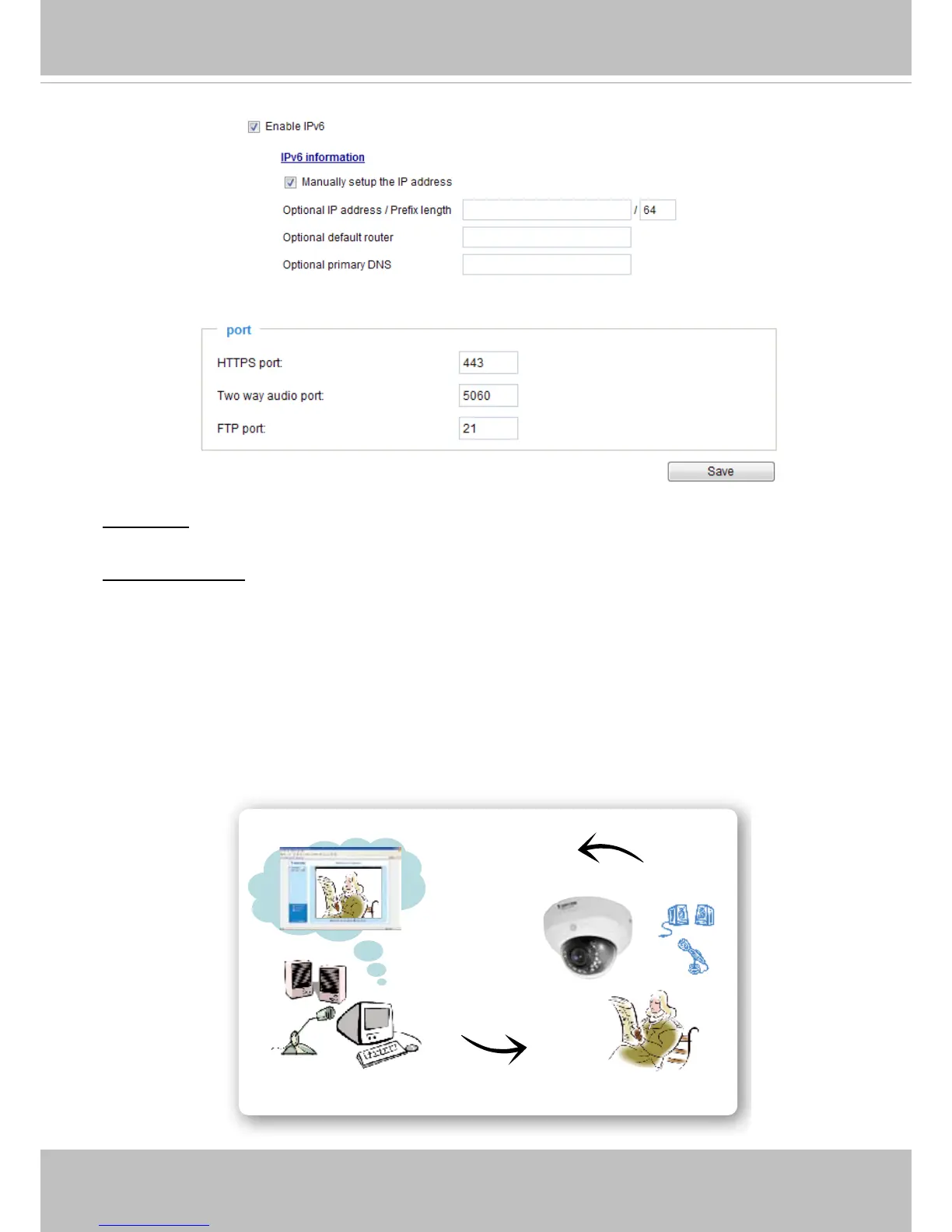
Two way audio port: By default, the two way audio port is set to 5060. Also, it can also be assigned to
another port number between 1025 and 65535�
The Network Camera supports two way audio communication so that operators can transmit and receive
audio simultaneously� By using the Network Camera’s built-in or external microphone and an external
speaker, you can communicate with people around the Network Camera�
Note that in the JPEG streaming mode, only a series of JPEG images are transmitted to the client, to
enable the two-way audio function, make sure the video mode is set to “MPEG-4” or "H�264" on the
Media -> Video -> Stream settings page and the media option is set to “Media -> Video -> Stream
settings” on the Client Settings page� Please refer to Client Settings on page 29 and Stream settings on
page 81�
Audio transmitted from operators
Audio transmitted to operators
America
Taiwan





 To Next Page