VIVOTEK
76 - User's Manual
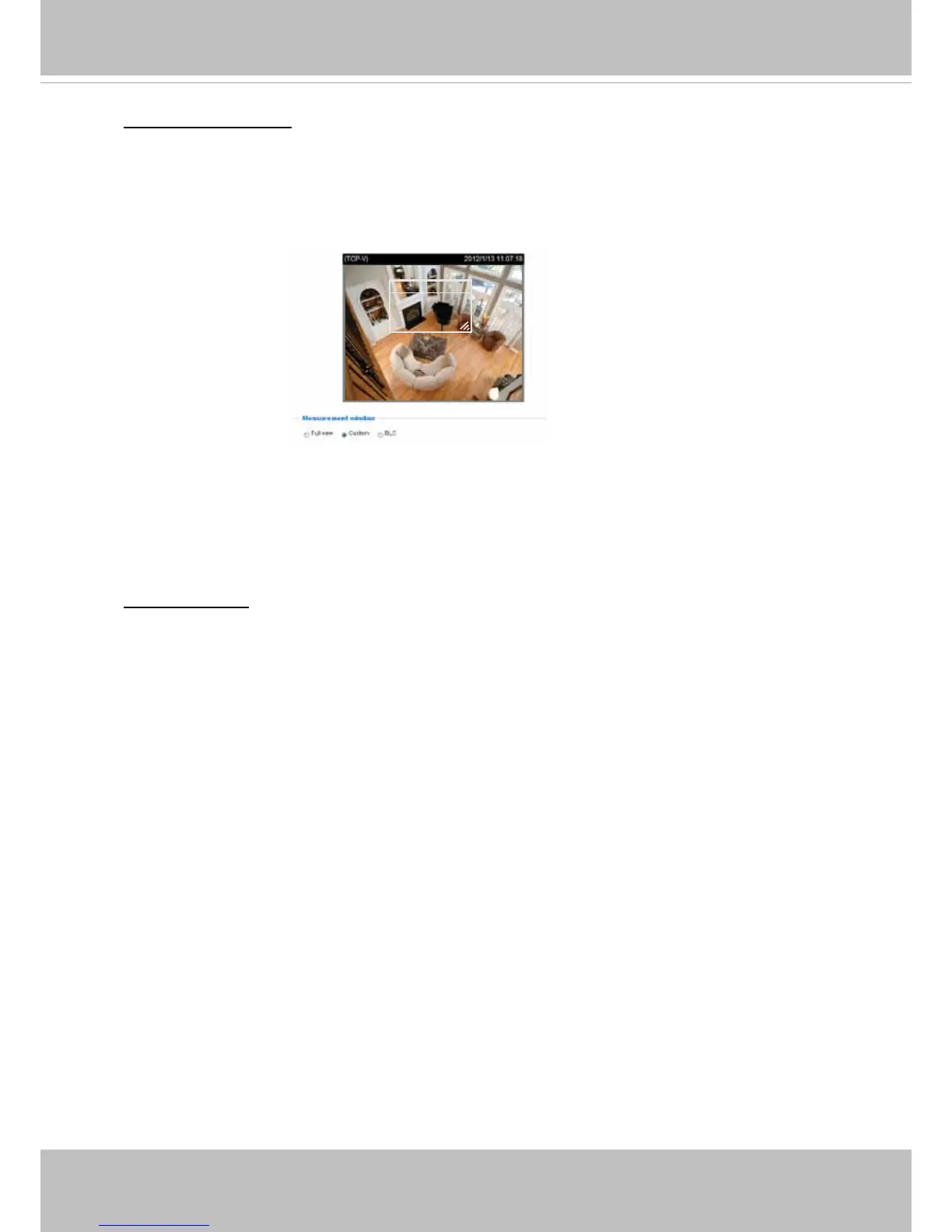
Measurement Window: This function allows user to set measurement window(s) for low light
compesation�
■ Full view: Calculate the full range of view and offer appropriate
light compesation�
■ Custom: This option allows you to manually add a specific window as a measuring area. The
measuring window refers to “weighted window“ where the lighting condition within the particular
area is taken into account� Camera firmware then adopts the weighted averages method to
calculate the value�
Exposure control:
■
Exposure level: You can manually set the Exposure level, which ranges from 0 to 8 (dark to
bright)� Note that this menu is disabled when the WDR function is enabled�
■
Max. Gain: Tune the slider bar to set the Gain Control to the best image quality. Higher gain
control value will generate a certain amount of noise�
■
Iris Adjustment: The camera comes with a P-iris lens, which controls the iris opening with
extreme precision by its built-in stepping motor� Via software controls, the lens maintains the iris
opening at an optimal level at all times, resulting in superior sharpness and depth of eld as well
as image quality�
You can manually tune the value of iris opening (aperture size), which can range from 0 (MAX
opening, short depth of eld) to 50 (MIN opening, long depth of eld).
• The smallest number, 0 or MAX, means the iris is open as wide as possible (largest amount
of light received with shortest depth of eld)�
• The largest number, 50, means the iris is narrowed down as much as possible (smallest
amount of light received with longest depth of eld)�
Once set, the iris will stay at current position as long as the lighting condition allows� When
external lighting conditions exceed an acceptable range, the P-iris mechanism adjusts itself�
■ Iris speed:
The Iris speed slide bar is for adjusting the opening or closing speed of the iris
from 1 (High) to 3 (Low) steps� You can also adjust the Gain control and Exposure level
according to the ambient light�
Window





 To Next Page