VIVOTEK
User's Manual - 15
Ready to Use
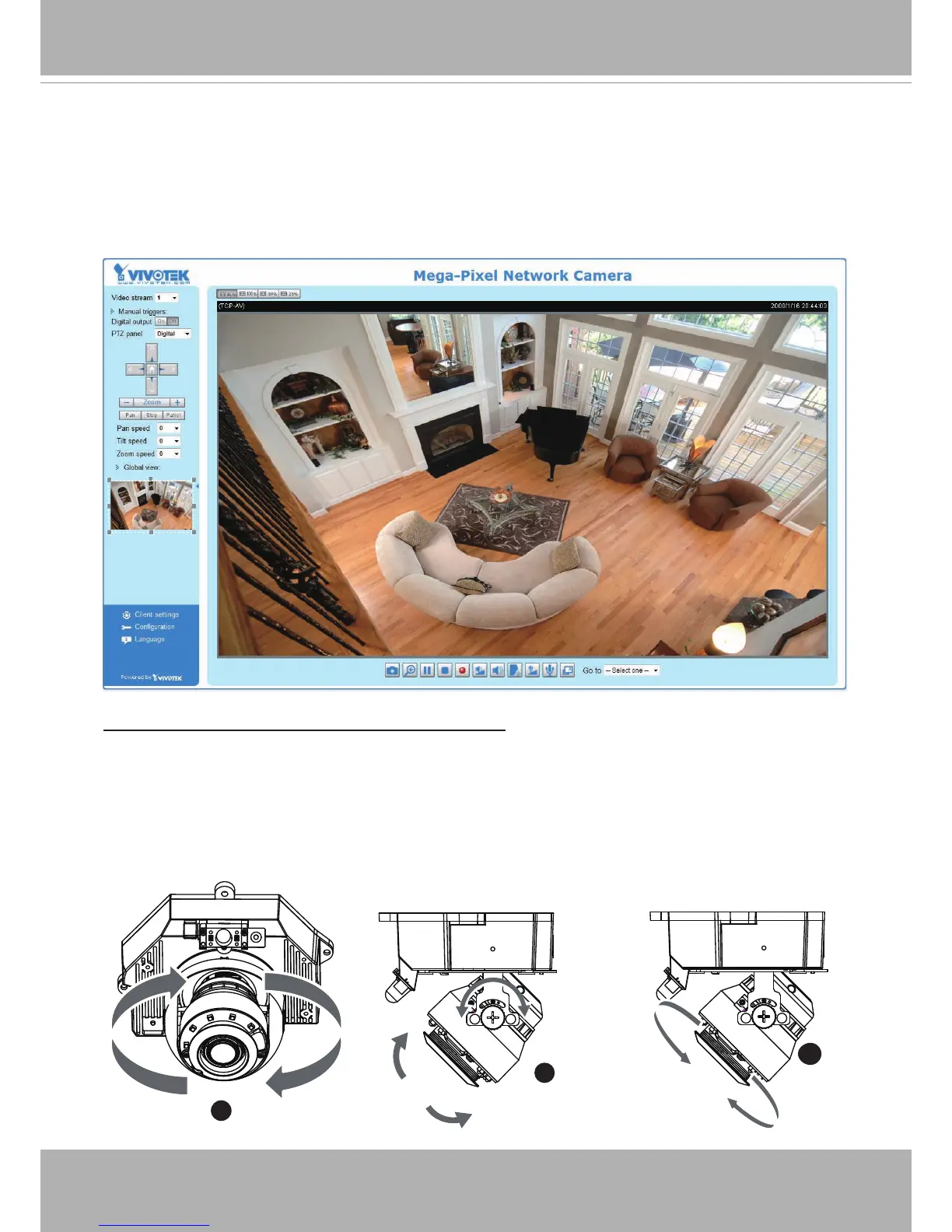
1. A browser session with the Network Camera should prompt as shown below.
2. You should be able to see live video from your camera. You may also install the 32-channel
recording software from the software CD in a deployment consisting of multiple cameras. For
its installation details, please refer to its related documents.
To adjust the viewing angle -- 3-axis mechanism design
Based on the live image retrieved from the camera, adjust the camera lens to the desired view
angle:
1. Turn the lens module left and right.
2. Loosen the tilt adjustment screws on both sides of the camera and then turn the lens module
up and down. Upon completion, tighten the screws.
3. Turn the lens to adjust the image orientation.
1
2
3
Pan 350°
Rotate 350°
Tilt 65°



 To Next Page