VIVOTEK
68 - User's Manual
Click Viewing Window to open the viewing region settings page. On this page, you can congure
the Region of Interest
for streams #1 and #2� For example, you can crop only a portion of the
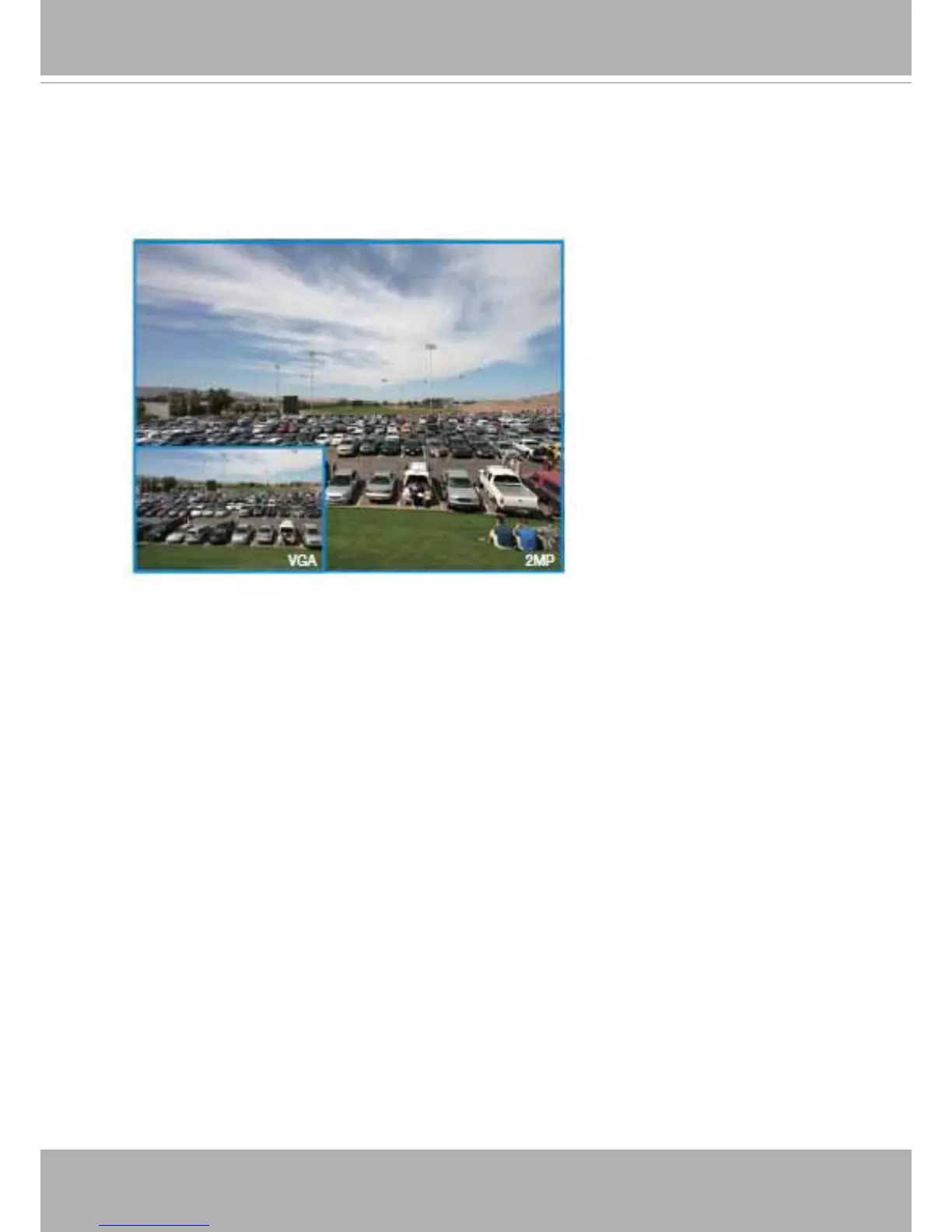
image that is of your interest, and thus save the bandwidth needed to transmit the video stream� As
the picture shown below, the area of your interest in a parking lot should the vehicles� The blue sky
is of little value for the surveillance purpose�











 To Next Page