VIVOTEK
User's Manual - 7
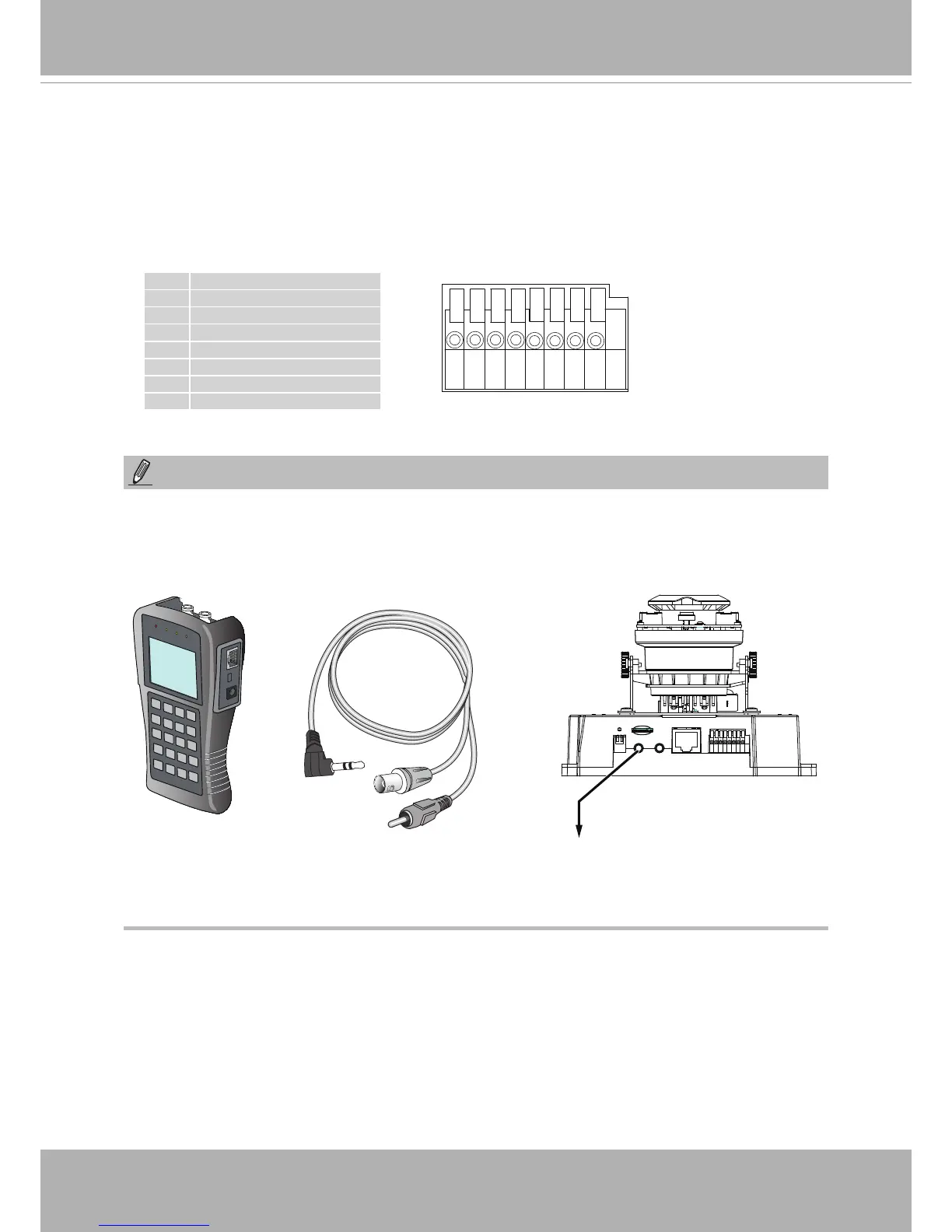
87654321
1 DC12V-
2 DC12V+
3 AC24V_2
4 AC24V_1
5 DI- (GND)
6 DI+
7 DO-
8 DO+ (12V)
General I/O Terminal Block
This Network Camera provides a general I/O terminal block which is used to connect
external input / output devices. The pin denitions are described below. The 24V AC can
be used as an alternate power source�
1� For the FD8381, there is no internal microphone� Connect an external microphone if you
need audio inputs�
2� Use the included AV cable to connect to a camera tester or LCD monitor to begin initial
setup�
NOTE:
LCD Monitor/
Camera tester
AV Out











 To Next Page