19
Text mode
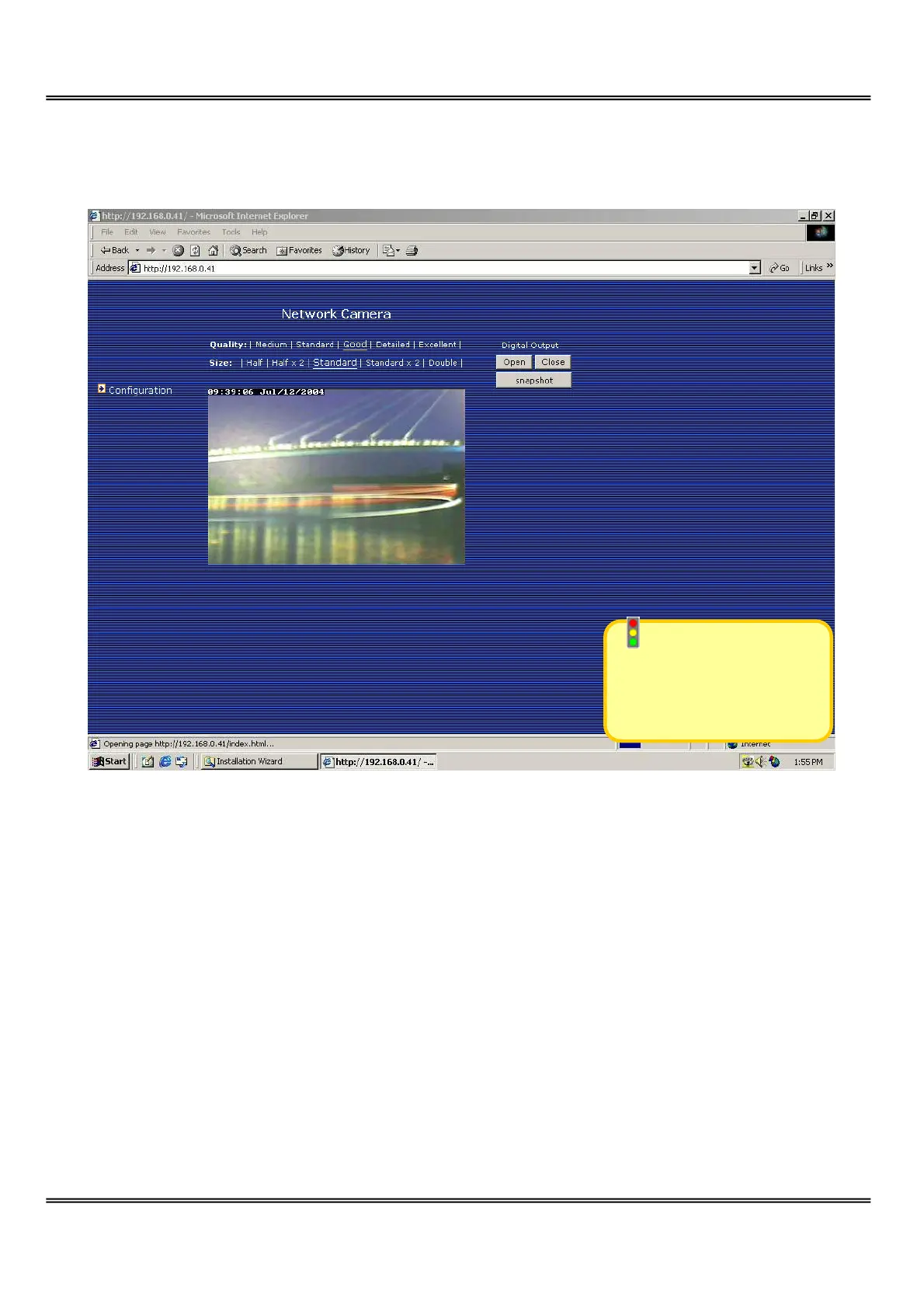
Video quality selection
It allows users to adjust the video quality for speed or smoothness. The performance is
also subject to the network bandwidth and the number of users. Five options are
available to be chosen from “Medium” to “Excellent”. “Medium” quality means the
picture has the quickest refresh rate but the worst image quality and “Excellent” quality
means the picture has the slowest refresh rate but the best image quality.
Video size selection
It allows users to adjust the image size with consideration of bandwidth and image
resolution. Five options are available including “Half”, “Half×2”, “Standard”,
Text mode is default
if any image button is
not available.
Network Camera



 To Next Page