7
Physical Description
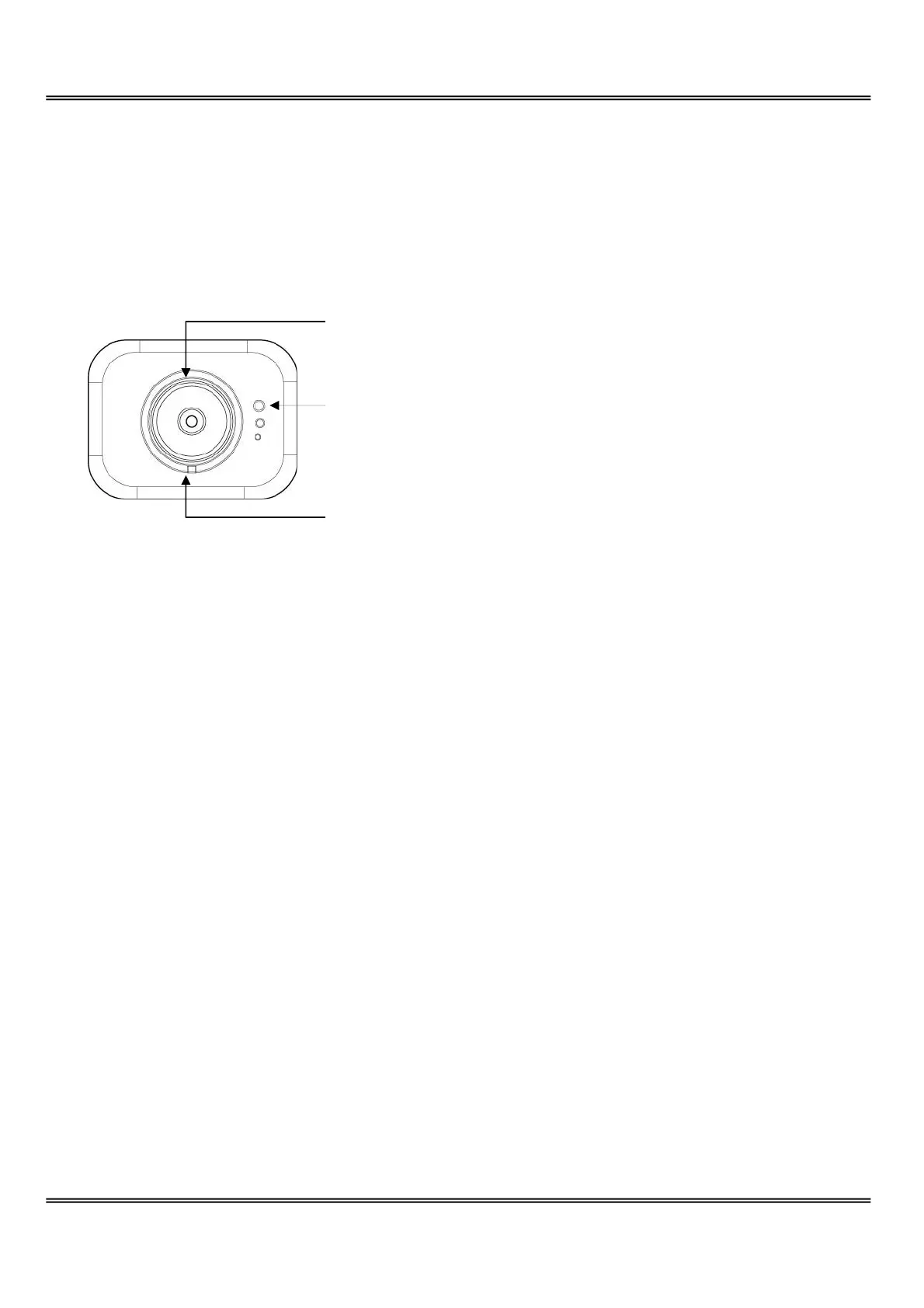
Front Panel
Status LED
The dual color LED indicates system and network status including power-on-self-test and
system activity. Refer to the Appendix for details.
Manual focus ring
The ring of the lens can be rotated to fine tune the focus. The video output at the rear
panel can be used to monitor.
Internal ring screw
If another special lens is needed to replace the bundled one, the image may be out of
focus for new lens and not able to fine tune by the manual focus ring. Use the included
wrench to loose the screw to adjust the internal ring to get the best focus. Then tighten
the internal ring to fix the focus.
Status LED
Internal ring screw
Manual focus ring



 To Next Page