Volume: When the Mute function is not activated, move the slider bar to adjust the volume on the
local computer�
Mute: Turn off the volume on the local computer� The button becomes the Audio On button after
clicking the Mute button�
Talk: Click this button to talk to people around the Network Camera� Audio will project from
the external speaker connected to the Network Camera. Click this button
again to end talking
transmission�
Mic Volume: When the Mute function is not activated, move the slider bar to adjust the
microphone volume on the local computer�
Mute: Turn off the Mic volume on the local computer� The button becomes the Mic On button
after clicking the Mute button�
Full Screen: Click this button to switch to full screen mode� Press the “Esc” key to switch back to normal
mode�
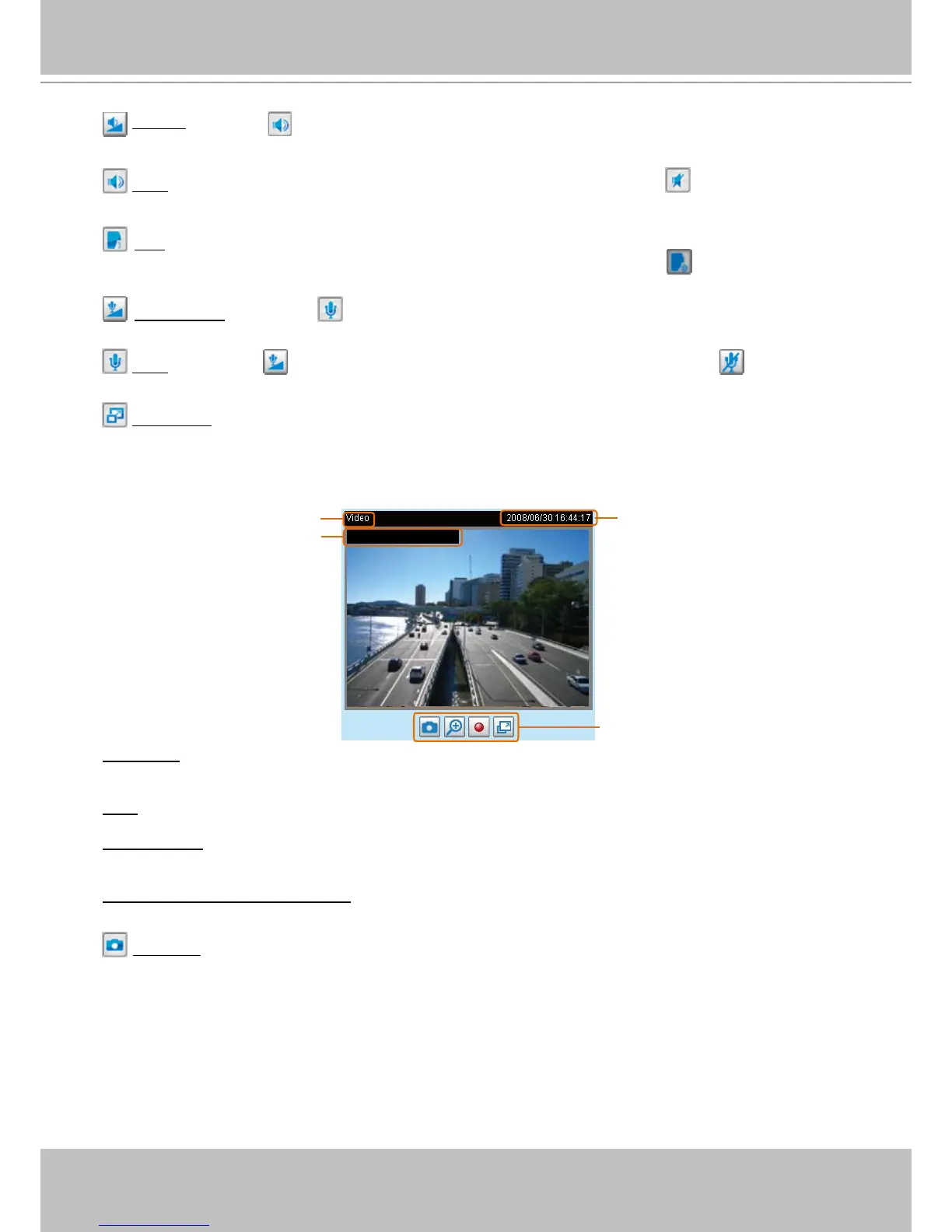
■ The following window is displayed when the video mode is set to MJPEG:
Video Title: The video title can be congured. For more information, please refer to Video Settings on
page 49�
Time: Display the current time� For more information, please refer to
Video Settings on page 49�
Title and Time: Video title and time can be stamped on the streaming video� For more information, please
refer to
Video Settings on page 49�
Video and Audio Control Buttons: Depending on the Network Camera model and Network Camera
conguration, some buttons may not be available.
Snapshot: Click this button to capture and save still images� The captured images will be displayed
in a pop-up window� Right-click the image and choose Save Picture As to save it in JPEG (*.jpg) or BMP
(*.bmp) format.



 To Next Page