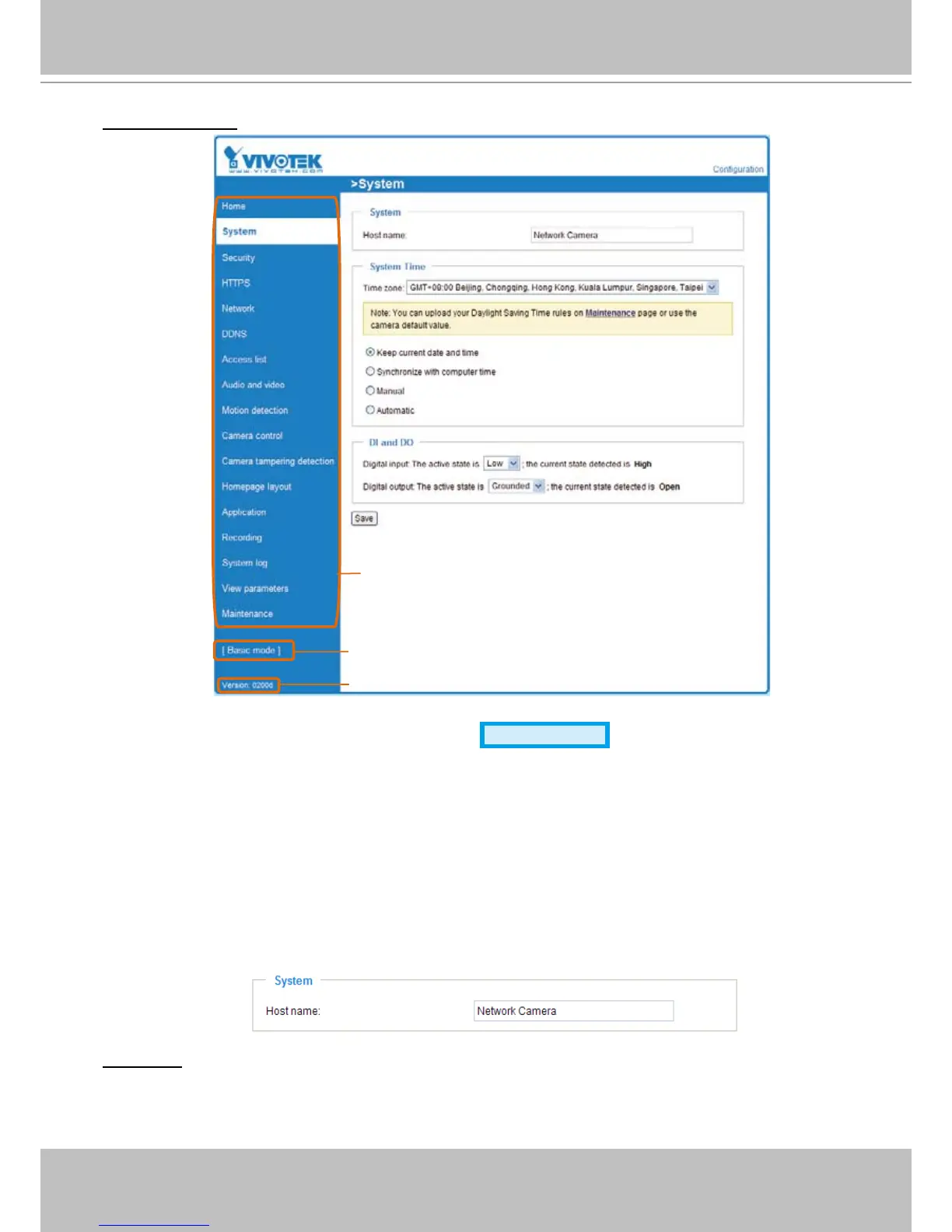
Advanced Mode
Each function on the conguration list will be explained in the following sections. Those functions that are
displayed only in Advanced Mode are marked with
Advanced Mode
� If you want to set up advanced
functions, please click [Advanced Mode] on the bottom of the conguration list to quickly switch over.
System
This section explains how to congure the basic settings for the Network Camera, such as the
host name and system time� It is composed of the following three columns: System, System
Time and DI and DO� When completed with the settings on this page, click Save at the bottom
of the page to enable the settings�
System
Host name: Enter a desired name for the Network Camera. The text will be displayed at the top of the
main page�



 To Next Page