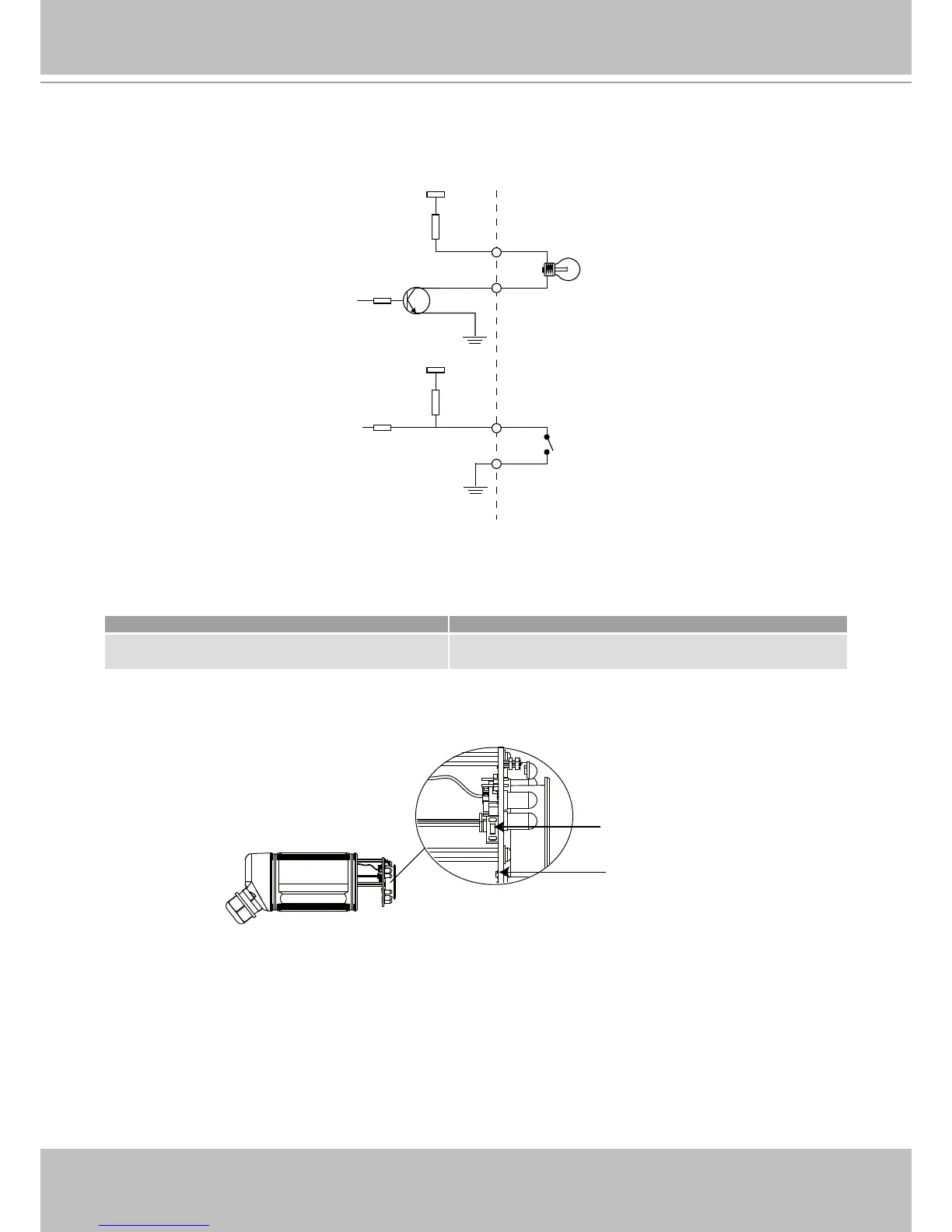
DI/DO Diagram
Please refer to the following illustration for the connection method�
Status LED
The LED indicates the status of the Network Camera�
Status LED Description
Blinking red (two short, one long)
1� Power is being supplied to the Network Camera
2� Restore, or reboot the Network Camera
Hardware Reset
The reset button is used to reset the system or restore the factory default settings� Sometimes
resetting the system can return the camera to normal operation� If the system problems remain
after reset, restore the factory settings and install again�
Reboot: Press and release the reset button with a paper clip or thin object� Wait for the Network
Camera to reboot�
Restore: Press and hold the reset button until the status LED rapidly blinks� It takes about 30
seconds� Note that all settings will be restored to factory default�



 To Next Page