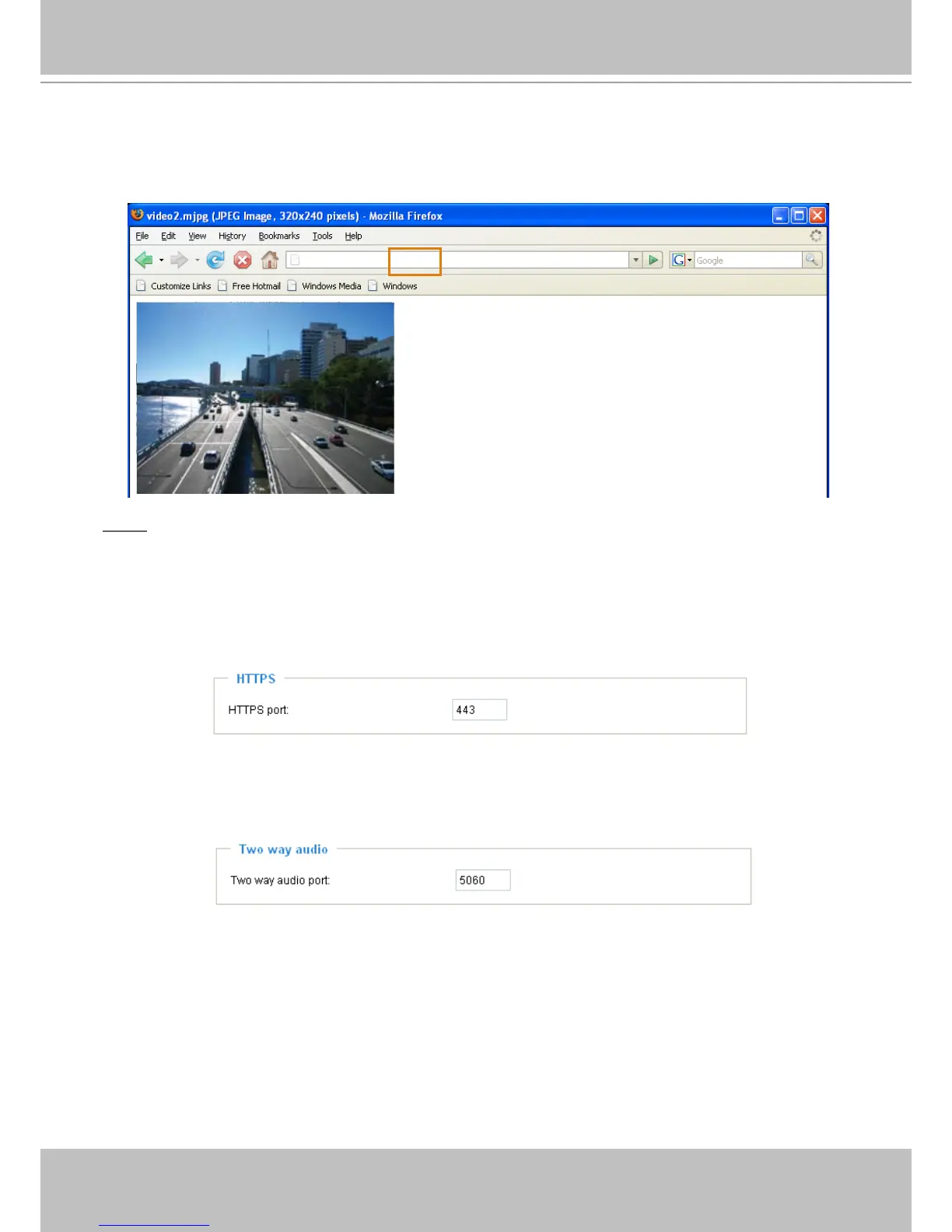
URL command -- http://<ip address>:<http port>/<access name for stream1 or stream2>
For example, when the Access name for stream 2 is set to video2�mjpg:
1. Launch Mozilla Firefox or Netscape.
2� Type the URL command in the address bar� Press Enter�
3. The JPEG images will be displayed in your web browser.
NOTE
► Microsoft
®
Internet Explorer does not support server push technology; therefore, using http://<ip
address>:<http port>/<access name for stream1 or stream2> will fail to access the Network Camera�
HTTPS
By default, the HTTPS port is set to 443� It can also be assigned to another port number between 1025
and 65535�
Two way audio
By default, the two way audio port is set to 5060� Also, it can also be assigned to another port number
between 1025 and 65535�
The Network Camera supports two way audio communication so that operators can transmit and receive
audio simultaneously. By using the Network Camera’s built-in or external microphone and an external
speaker, you can communicate with people around the Network Camera�



 To Next Page