VIVOTEK
4 - User's Manual
Physical Description
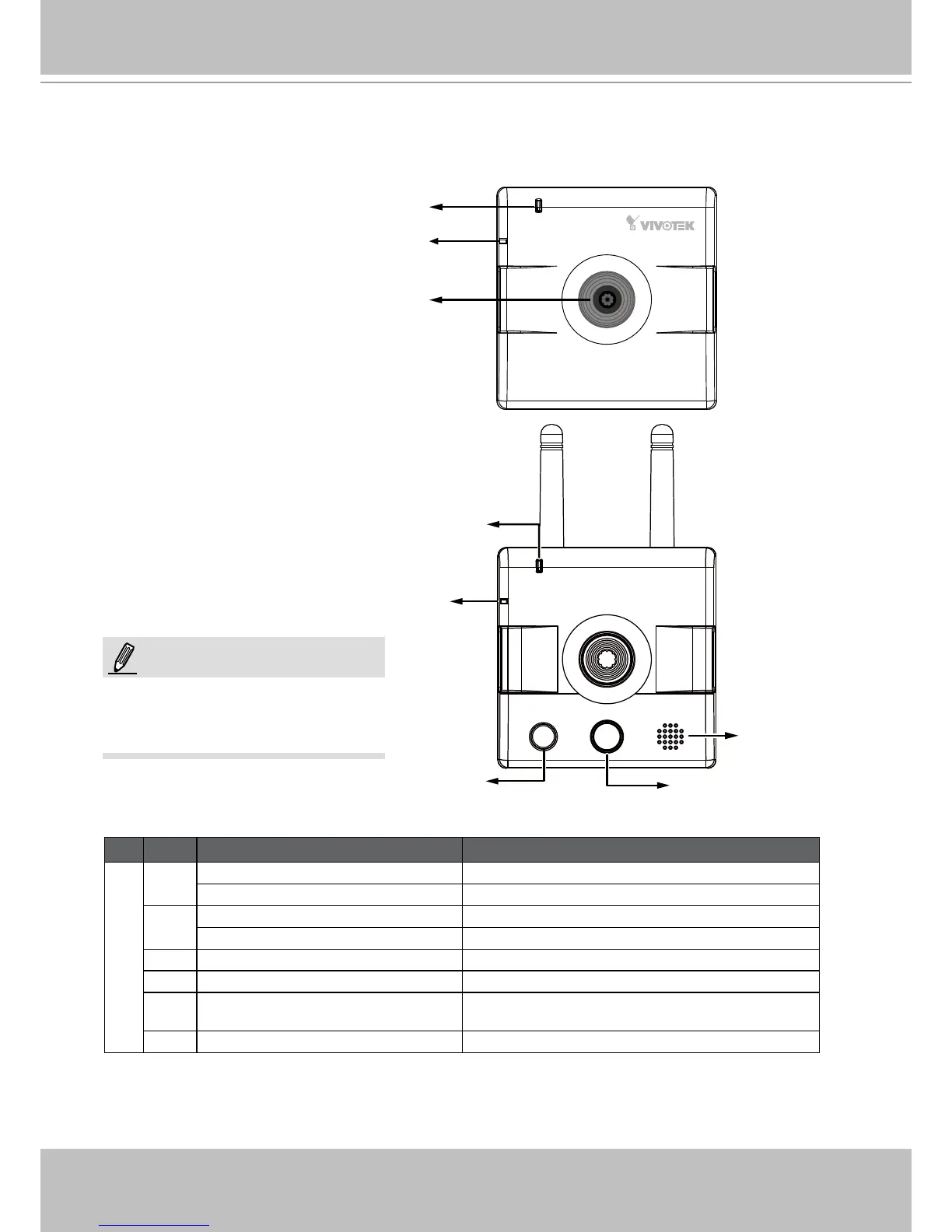
Front Panel
Status LED
Lens
Microphone
IP8132
IP8133W
Microphone
White-light LED
Speaker
PIR Sensor
NOTE:
Status LED
The front view of IP8133 is identical
to that of IP8133W except the
wireless antenna�
Item LED status Description
LED Denitions
1 Steady Red Power on and system boot
Red LED off Power off
2 Blink Green every 1 sec� Network connected
Steady Red Network failed
3 Blink Green every 2 sec� Audio muted
4 Blink Orange every 2 sec� Privacy button pressed
5 Blink Green, RED, and Orange
intermittently
Upgrading rmware
6 Blink Orange every 0�15 sec� Restoring default



 To Next Page