VIVOTEK
User's Manual - 77
Camera Tampering Detection
With tamper detection, the camera is capable of detecting incidents such as redirection,
blocking or defocusing, or even spraying paint onto the camera�
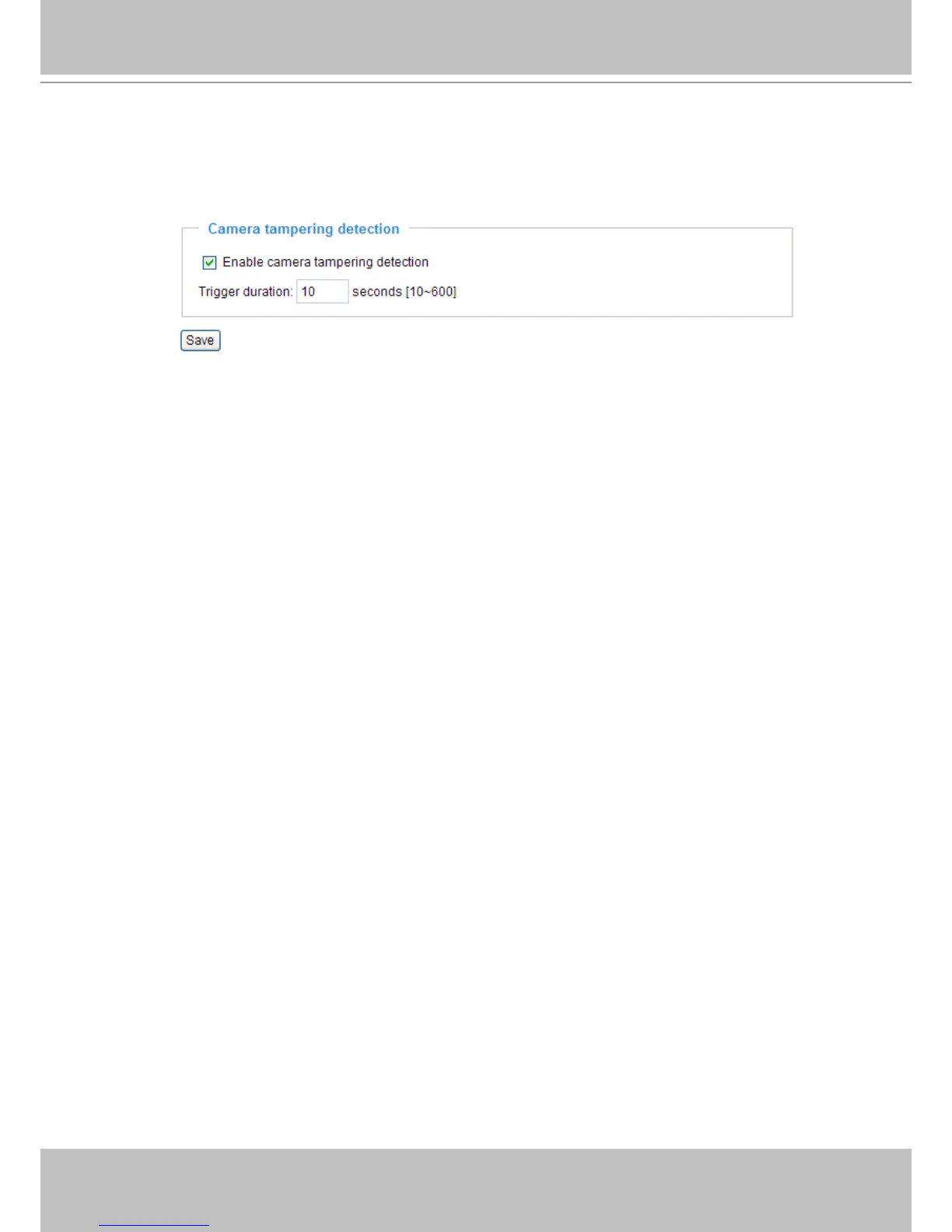
Please follow the steps below to set up the camera tamper detection function:
1� Select Enable camera tampering detection�
2� Enter the tamper trigger duration� (10 sec� ~ 10 min�) The tampering alarm will be triggered only when
the tampering factor (the difference between current frame and pre-saved background) exceeds the
trigger threshold�
3� Set up the event source as Camera Tampering Detection on Application page > Event Settings /
Server Settings (how to send alarm message) / Media Settings (send what type of alarm
message)� Please refer to page 83 for detailed information�



 To Next Page