VIVOTEK
User's Manual - 99
The alarm trigger includes: motion detection, DI detection, and manual trigger, etc. Please refer to Event
Settings on page 82�
■ Pre-event recording and post-event recording
The Network Camera has a buffer area; it temporarily holds data up to a certain limit� Enter a number
to decide the duration of recording before and after a trigger is activated�
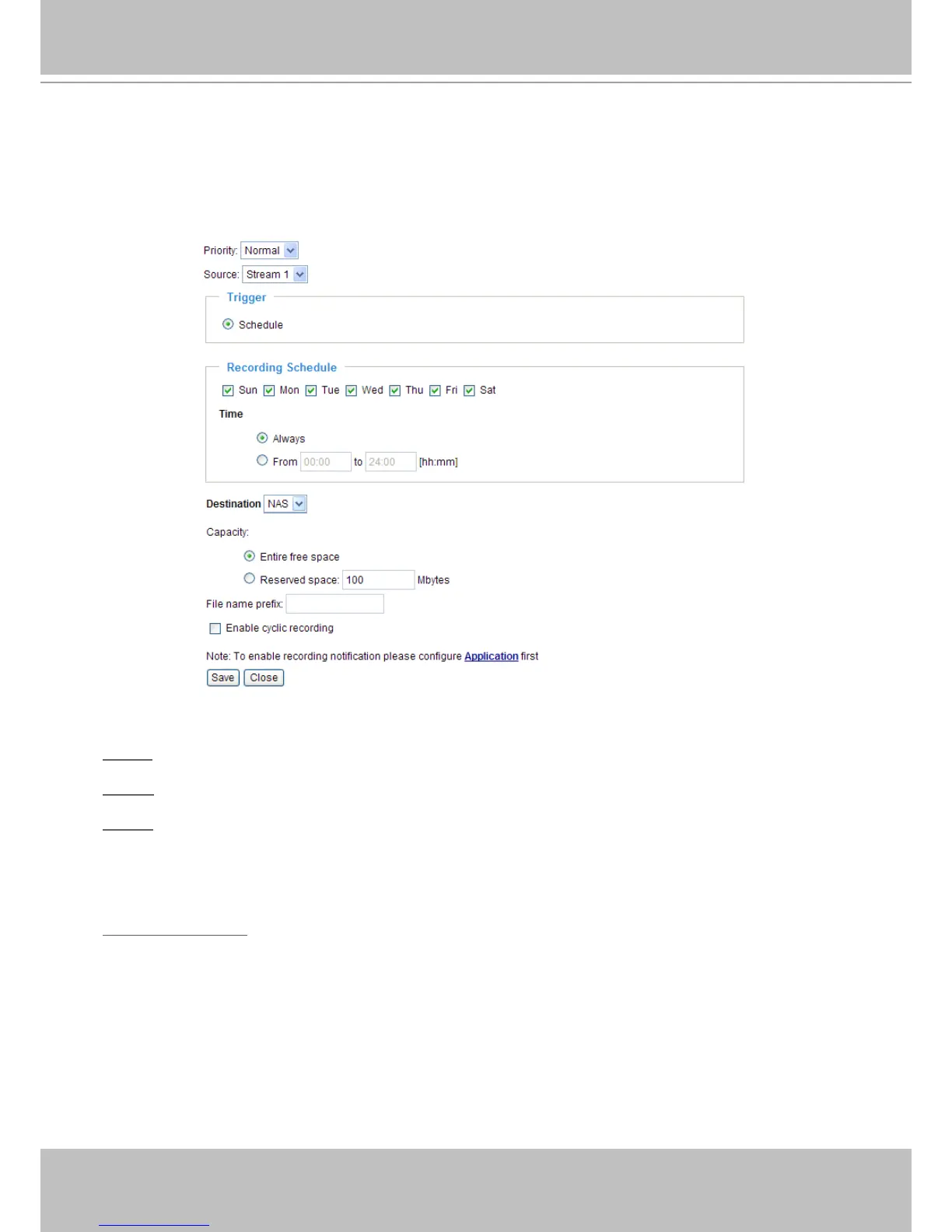
Priority: Select the relative importance of this recording setting (High, Normal, and Low).
Source: Select the recording source (stream 1 ~ 3).
Trigger
■ Schedule: The server will start to record les on the local storage or network storage (NAS) according
to the following recording schedule�
Recording Schedule: Specify the recording duration.
■ Select the days of the week.
■ Select the recording start and end times in 24-hr time format.



 To Next Page