VIVOTEK
48 - User's Manual
Exposure
Advanced Mode
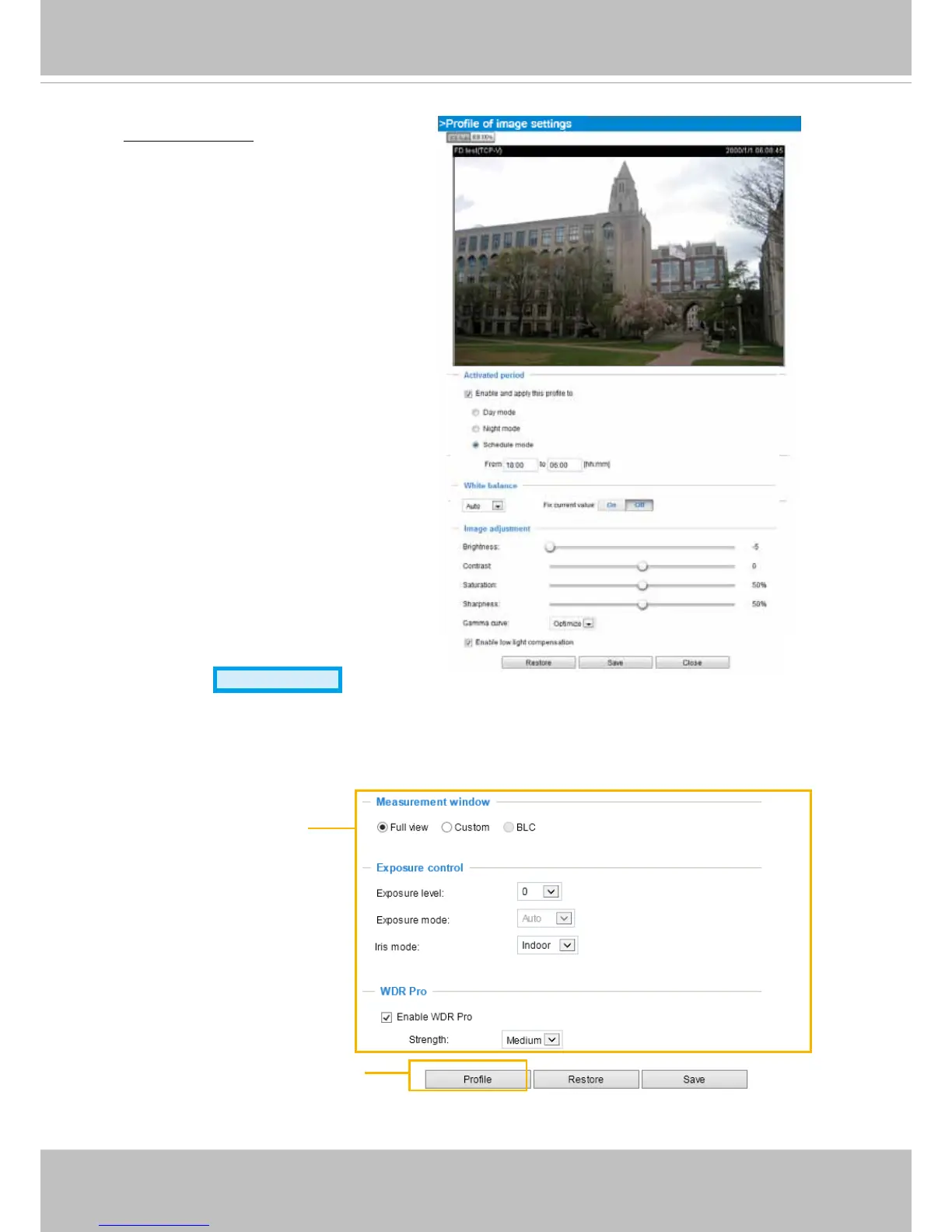
On this page, you can set the Measurement window, Exposure level, Exposure time, and Gain
control settings. Detailed congurations will be automatically adjusted since the sensor library will
automatically adjust the value according to the ambient light�
Sensor Setting 1:
For normal situations
Sensor Setting 2:
For special situations
Activated period:
Select the period of
time this profile setting will apply to�
Please manually enter a range of time
in a day, tune the White Balance and
Image adjustment settings as previously
described, and then check Save for the
conguration to take effect.



 To Next Page