VIVOTEK
10 - User's Manual
Hardware Reset
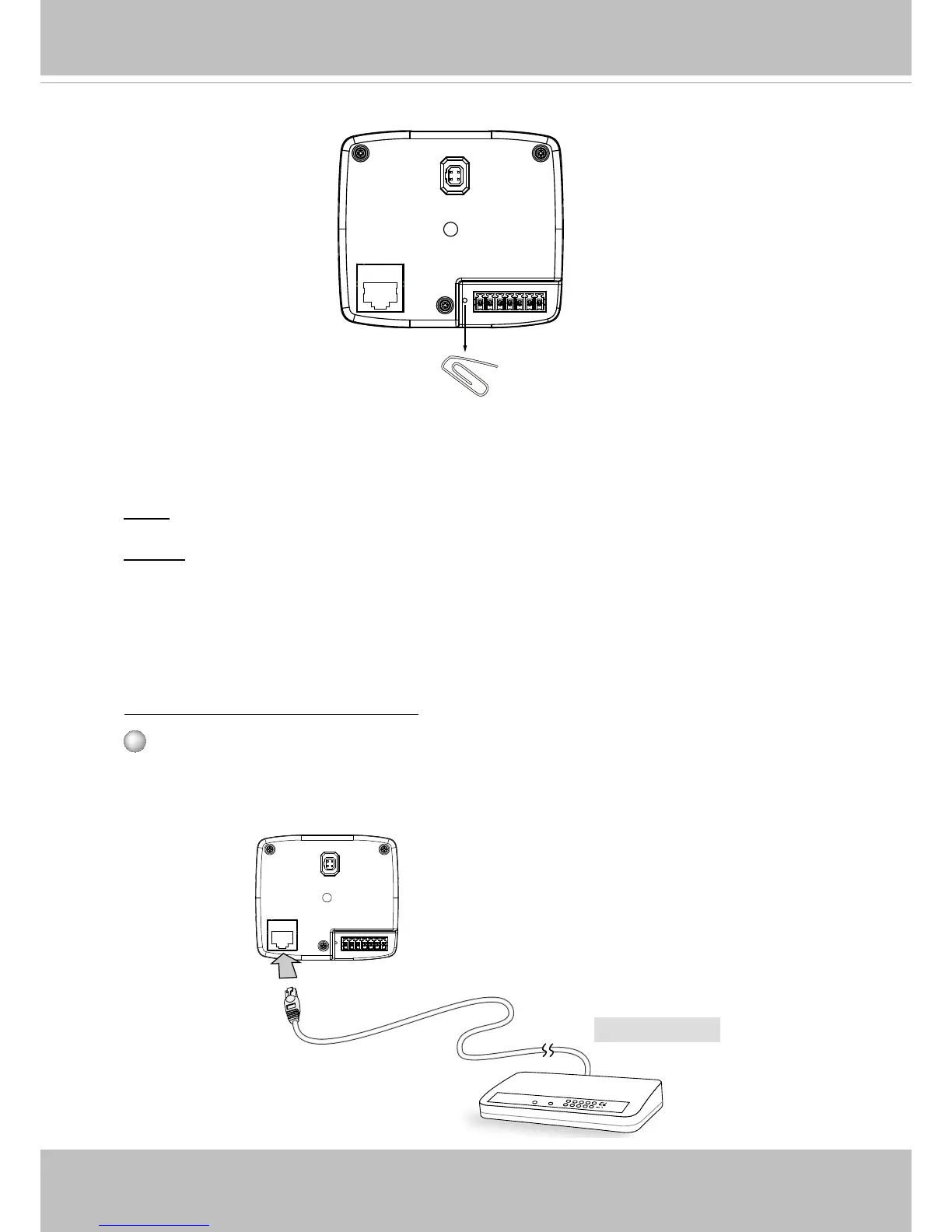
The reset button is used to reset the system or restore the factory default settings�
Sometimes resetting the system can return the camera to normal operation� If the system
problems remain after reset, restore the factory settings and install again�
Reset: Press and release the reset button. Wait for the Network Camera to reboot.
Restore: Press and hold the recessed reset button until the status LED rapidly blinks. Note
that all settings will be restored to factory default� Upon successful restore, the status LED
will blink green and red during normal operation�
Reset Button
Network Deployment
Power over Ethernet (PoE)
When using a PoE-enabled switch
The Network Camera is PoE-compliant, allowing transmission of power and data via a
single Ethernet cable� Follow the below illustration to connect the Network Camera to a
PoE-enabled switch via Ethernet cable�
POWER
COLLISION
LINK
RECEIVE
PARTITION
1
2
3
4
5
PoE Switch



 To Next Page