VIVOTEK
6 - User's Manual
Physical Description
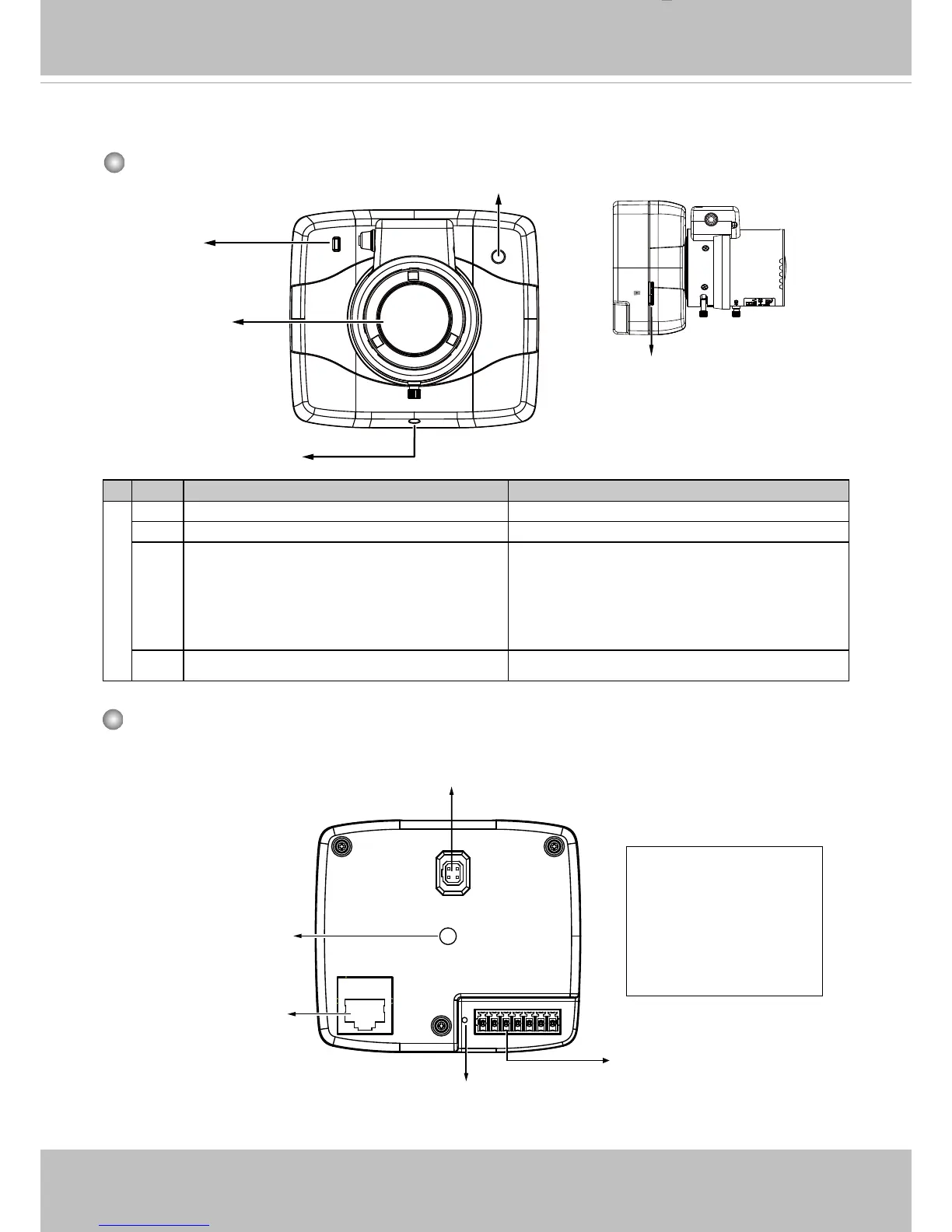
Front Panel
Rear Panel
Item LED status Description
LED Denitions
1 Steady Red Powered and system booting, or network failed
2 Green LED blinks every 1 sec� Connected to network
3 Blink Red every 0�15 sec� + Blink Orange
every 1 sec�
(Red on for 0�15 sec and off for 0�15 sec,
and so on)+(Green on for 1 sec and off for
1sec, and so on�
Upgrading rmware
4 Orange blinks every 0�15 sec� Restoring defaults
Ethernet 10/100 RJ45
Socket
Recessed Reset Button
General I/O Terminal Block
Iris Control Cable Socket
1 2 3 4 5 6 7
GND
DI
RS485_N
RS485_P
GND_AUDIO
MIC_IN
AUDIO_OUT
Mounting Hole
Status LED
Lens
Mount ring adjustment
Light sensor
MicroSD/SDHC/SDXC
Card Slot
Micro SD



 To Next Page