VIVOTEK - Built with Reliability
User's Manual - 103
Please note that on a sheye camera's Motion window, you can click and move the corner
marks of a window to change its shape. The Motion window does not have to be a square.
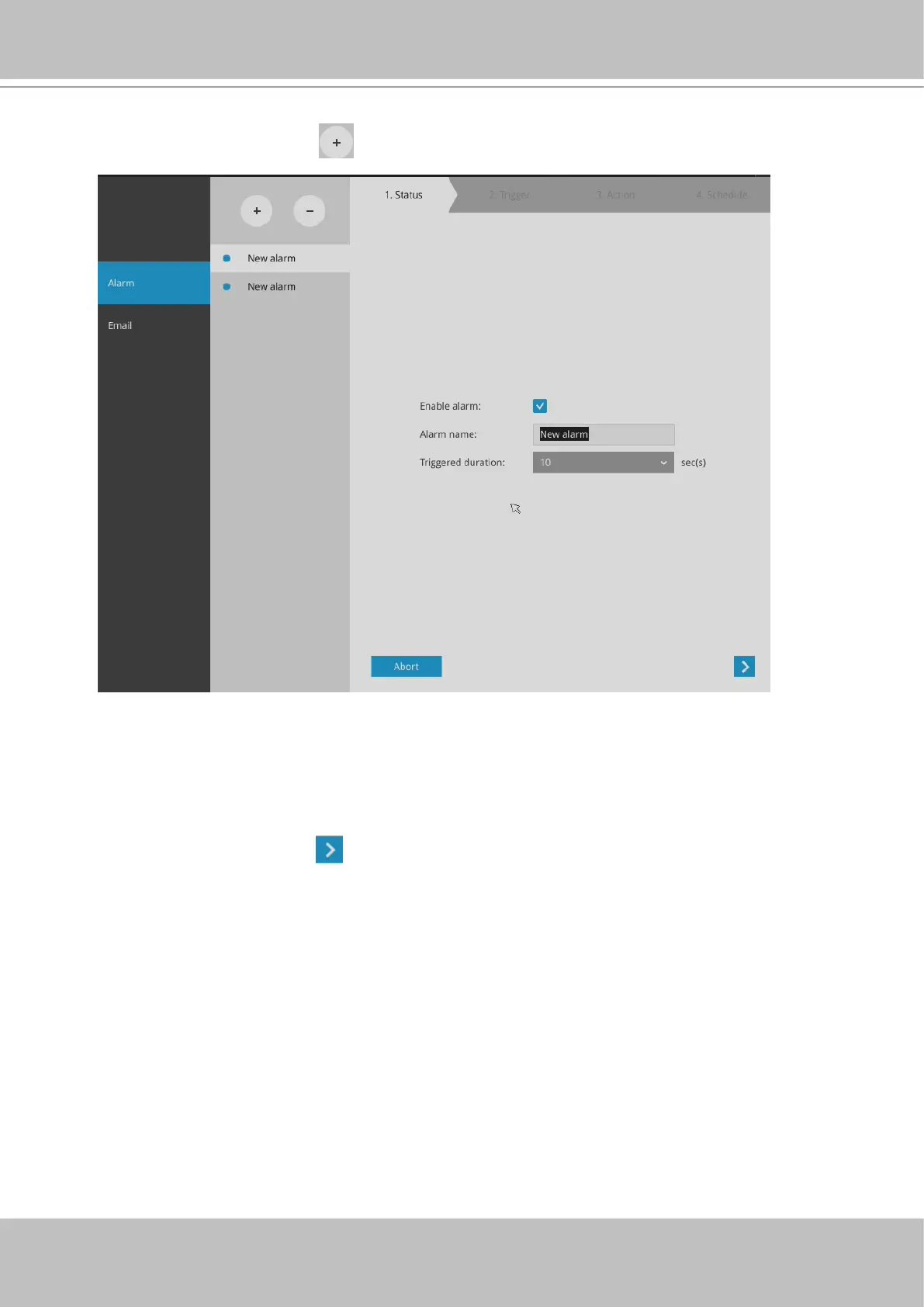
To create an alarm,
1. Click on the Add button
.
You can manually enter a name for the current setting. You can enter up to 16 numeric
or alphabetic characters for the name, including symbols such as [0-9][a-z][A-Z][_][ ]. You
can also designate the interval between one alarm and the next triggered alarm to avoid
the situation that the alarms can be too frequently triggered.
Click on the next button
to proceed.



 To Next Page