VIVOTEK - Built with Reliability
156 - User's Manual
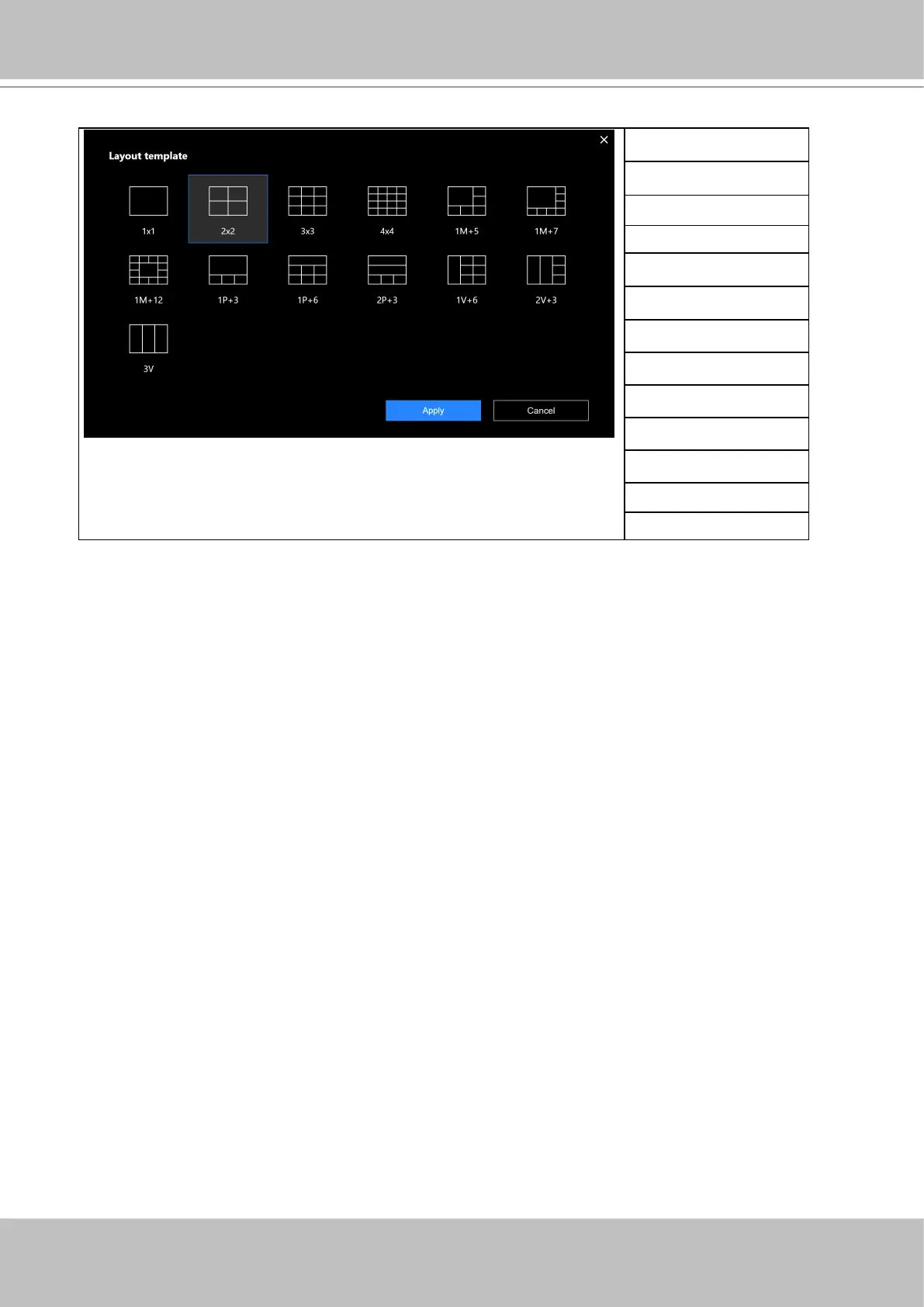
4-2-2. Layout
Note that a user who did not log in as an administrator can change a layout, but his conguration
changes (with cameras placed on view cells) will not be saved.
Only an administrator can change and preserve a custom layout, and every user can designate
a specic layout to be displayed when he/she logs in. The default layout for each user is stored
in a browser's cookies.
1x1
2x2
3x3
4x4
1M+5
1M+7
1M+12
1P+3
1P+6
2P+3
1V+6
2V+3
3V
The available layouts are categorized into 4 types: Equal, Panorama, Focus, and Vertical.
Equal: 1x1, 2x2, 3x3, 4x4.
Panorama: 1P(Panoramic)+6, 2P+3. (applies to sheye cameras)
Focus: 1M+5, 1M+7, 1M+12.
Vertical: 1V+6, 2V+3, 3V. (applies to corridor view)



 To Next Page