VIVOTEK - Built with Reliability
16 - User's Manual
Rack-mounting (Optional, and the rack-mount brackets are separately
purchased)
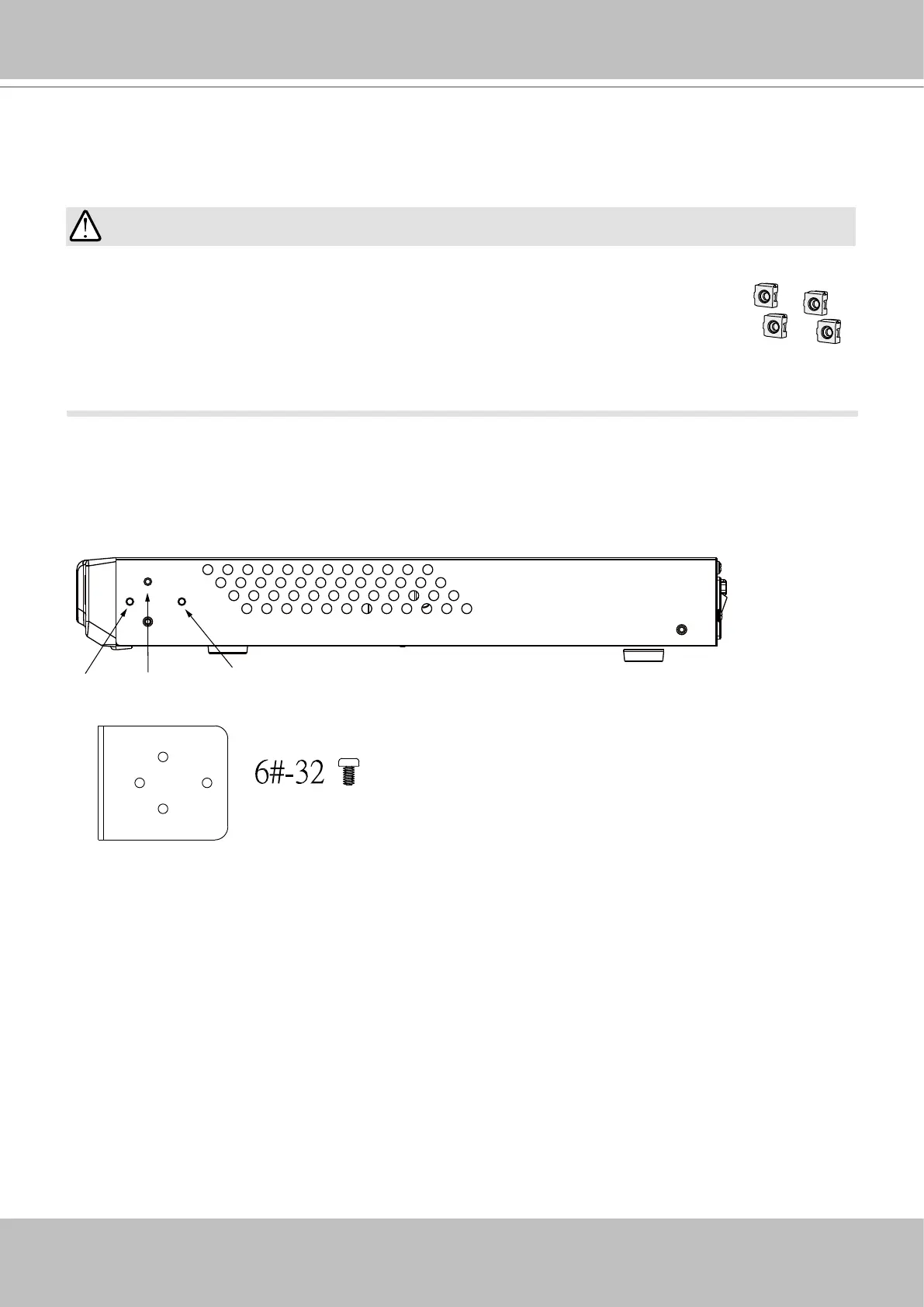
If you need to install the NVR system into a rack cabinet,
1. Secure the brackets to the sides of the chassis by driving 3 included screws.
If you have either a round-holed or square-holed rack, install cage nuts or clip nuts to the
desired positions on the rack posts.
The instructions below are based on the installation to a 4-post equipment rack.
The slide rails apply to rack cabinet of a depth of 700 to 900mm. With 2 hard drives, the
chassis can weigh up to 4kg.
IMPORTANT:



 To Next Page