VIVOTEK - Built with Reliability
User's Manual - 39
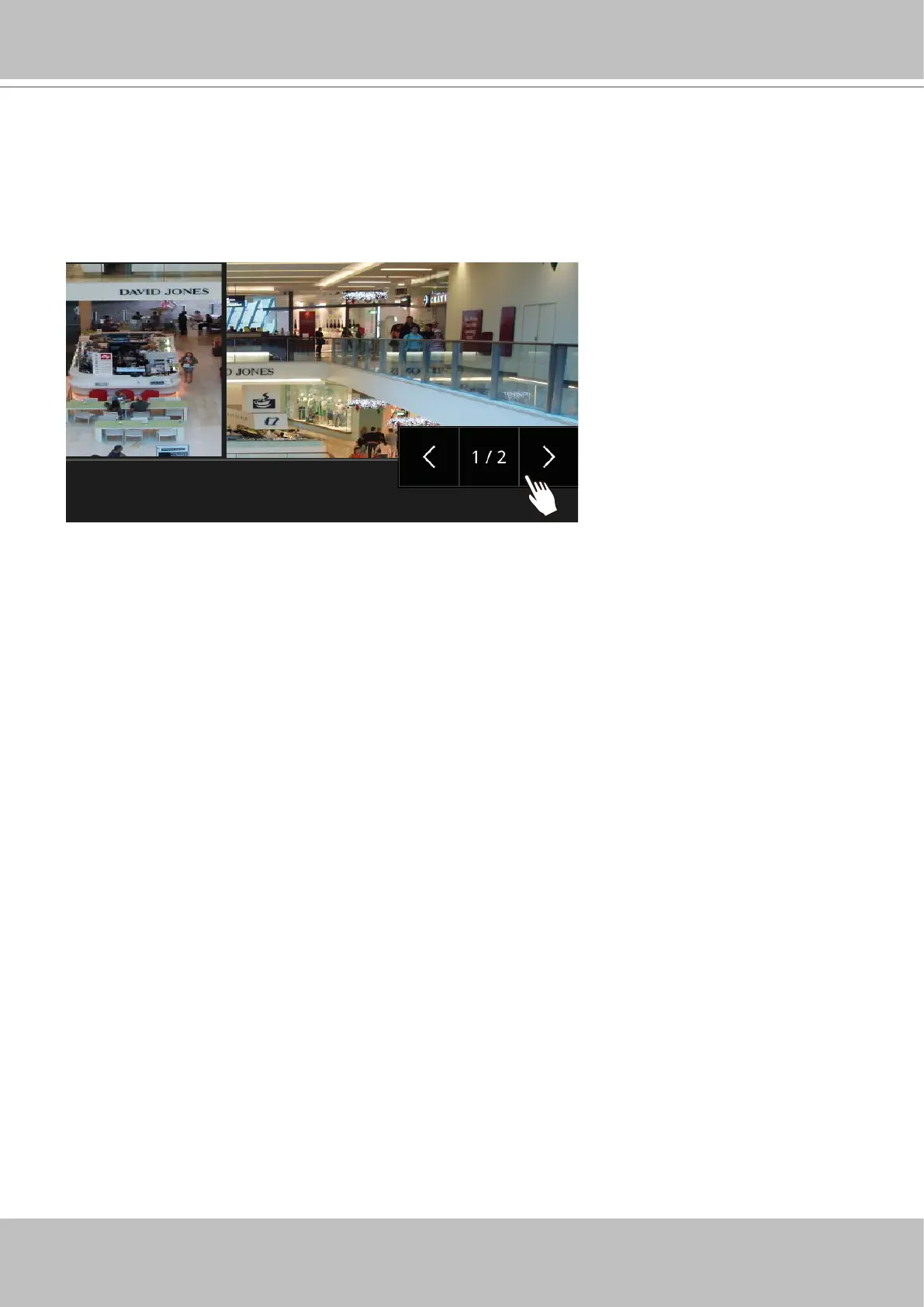
6. How do I move to another layout page?
Move your cursor to the right hand side of your screen. The page turner buttons will appear as
shown below.
For example, if you have 8 cameras placed on 2 2x2 layout pages, use these buttons to visit
dierent pages.
7. Why the onscreen tool bars disappear after some time?
The system comes with idle modes. Below are the applicable conditions:
1. Live view: if no management activities occur for 5 seconds, the tool bars disappear from
screen. When in the idle mode, mouse cursor and tool bars will disappear. Moving the mouse
cursor will re-activate the screen.
2. Settings page: If left unattended for 10 minutes, system will automatically log out. The
system will prompt for user credentials if a user tries to access the Settings page again.
3. Search recording clips window: If currently there is a video playback, the system will not
enter the idle mode.



 To Next Page