VIVOTEK - Built with Reliability
42 - User's Manual
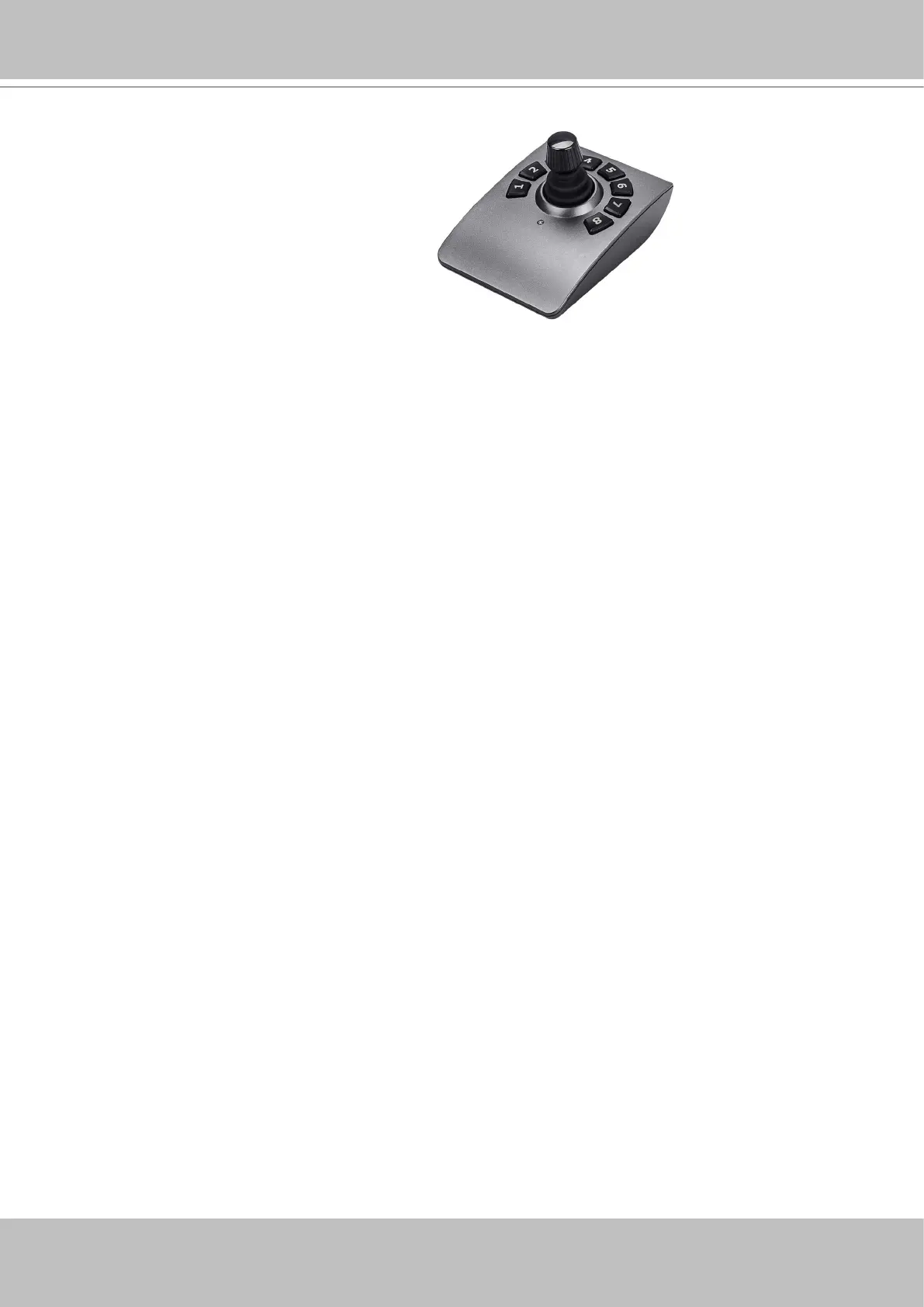
Joystick support
The joystick related operations are listed below:
1. Pan: Continuous move is supported. (joystick X-axis movement)
2. Tilt: Continuous move is supported. (joystick Y-axis movement)
3. Zoom: Continuous move is supported. To zoom in, move joystick Z-axis clockwise (or use
button #2). To zoom out, move joystick Z-axis counter-clockwise (or use button #3)
4. Home: joystick button #1.
5. Auto Pan: joystick button #5.
6. Patrol: joystick button #7. Preset positions must be pre-congured for the camera.
7. Stop: Stops auto pan or patrol. Joystick button #6.



 To Next Page