4
To show or hide the Flat Test Pattern:
From the Color Tuner menu, use the Arrow buttons to
highlight Color Tuner, and then press the Left/Right Arrow
buttons until the Flat Test Pattern menu is displayed.
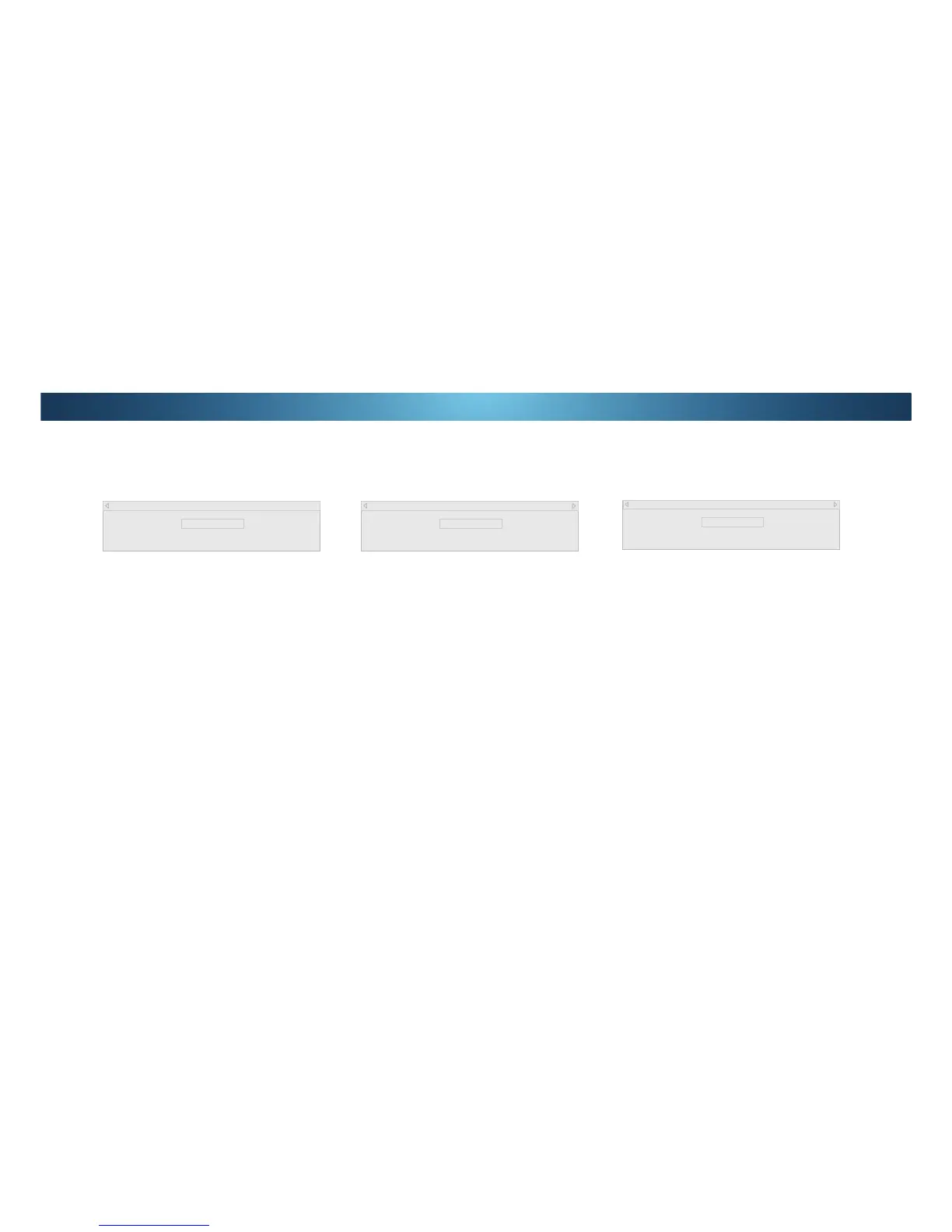
Flat Test Pattern
Off
2. Use the Arrow buttons on the remote to highlight 2. Use the
Left/Right Arrow buttons to select the percentage brightness
IRUWKHȵDWWHVWSDWWHUQ6HOHFWLQJDSHUFHQWDJHLPPHGLDWHO\
VKRZVWKHȵDWSDWWHUQDWWKDWbrightness.
—or—
To disable the Flat Test Pattern, use the Left/Right Arrow
buttons to highlight 2.
:KHQ\RXDUHȴQLVKHGSUHVVWKHEXIT button.
To show or hide the Ramp Test Pattern:
From the Color Tuner menu, use the Arrow buttons to
highlight Color Tuner, and then press the Left/Right Arrow
buttons until the Ramp Test Pattern menu is displayed.
2. Use the Arrow buttons on the remote to highlight 2. Use the
Left/Right Arrow buttons to select the color for the ramp test
SDWWHUQ6HOHFWLQJDFRORULPPHGLDWHO\VKRZVWKDWFRORUUDPS
—or—
To hide the Ramp Test Pattern, use the Left/Right Arrow
buttons to highlight 2.
:KHQ\RXDUHȴQLVKHGSUHVVWKHEXIT button.
Ramp Test Pattern
Off
7RVKRZRUKLGHWKH6037(7HVW3DWWHUQ
From the Color Tuner menu, use the Arrow buttons to
highlight Color Tuner, and then press the Left/Right Arrow
EXWWRQVXQWLOWKH6037(7HVW3DWWHUQPHQXLVGLVSOD\HG
SMPTE Test Pattern
Off
2. Use the Arrow buttons on the remote to highlight 2. Use the
Left/Right Arrow buttons to highlight OnWRVKRZWKH6037(
Pattern.
—or—
7RKLGHWKH6037(7HVW3DWWHUQXVHWKHLeft/Right Arrow
buttons to highlight 2.
:KHQ\RXDUHȴQLVKHGSUHVVWKHEXIT button.


 To Next Page