6
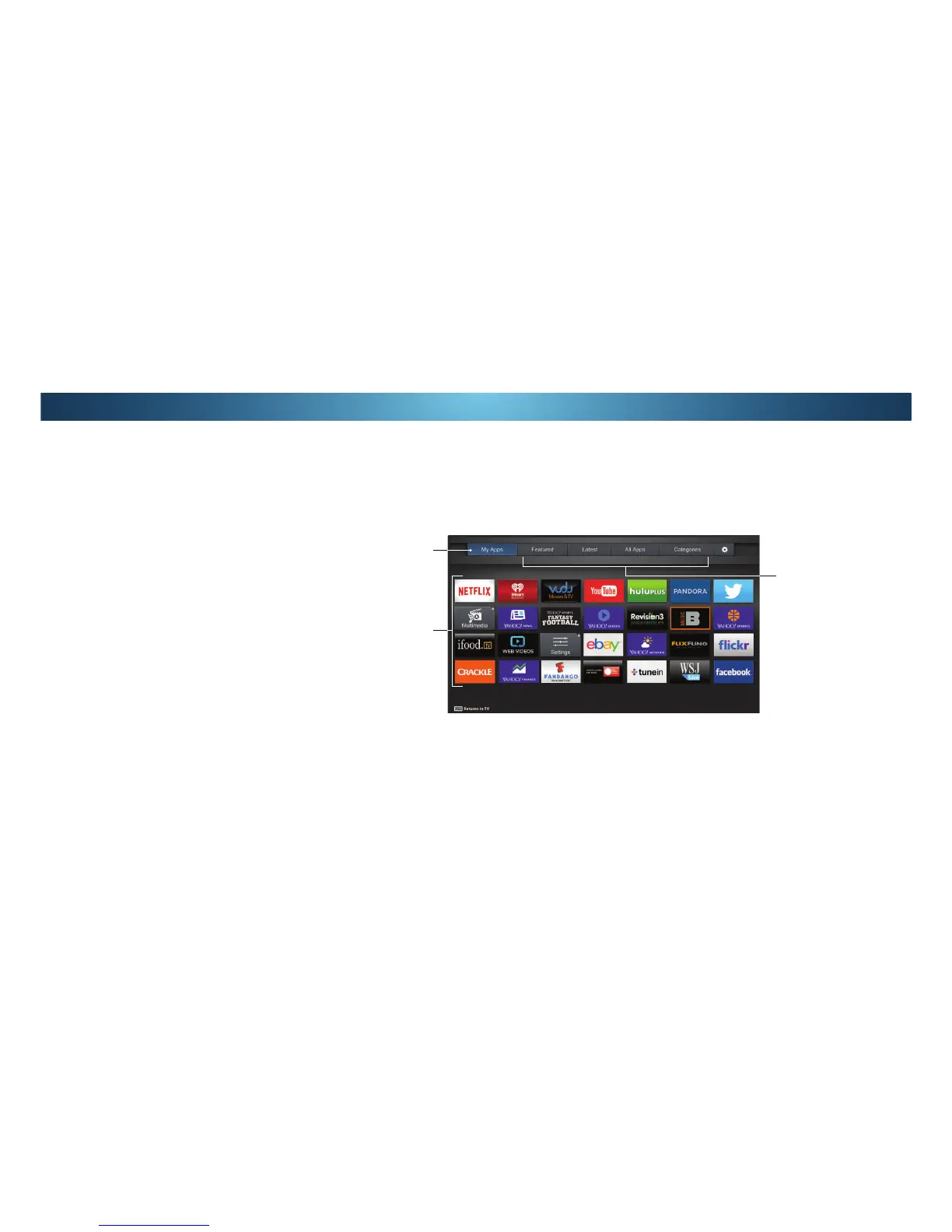
My Apps Tab
Displays the apps
installed on your
TV.
Installed Apps
The Apps displayed
here are also
available in the V.I.A.
Plus App Dock.
App Store Tabs
Browse through Apps
on these tabs to run
them and add them
to your My Apps tab.
USING THE FULLSCREEN V.I.A. APPS WINDOW
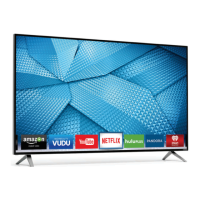
The Fullscreen V.I.A. Plus Apps window allows you to add and store
$SSV 7KH $SSV RQ WKH ȴUVW SDJH DUH GLVSOD\HG LQ WKH'RFNDQG
Apps on additional pages can be moved to the Dock.
To open the Fullscreen V.I.A. Plus Apps Window:
Press the V Button on the remote twice.
2. Highlight an App by using the Arrow buttons on the remote.
Press the OK button on the remote to launch the App.
4. 7RH[LWIURPDQRSHQ$SSRUWRFORVHWKH$SS'RFNSUHVVWKH
Exit button on the remote.
Note: App location, appearance, and availability subject to change without notice.
54


 To Next Page