Volt Time Source 2 Installation Guide - alternative entry
Finalise the installation
1. Start a test session by plugging the charging cable into the car.
The session should start automatically (“Plug & Charge”).
Note:
● A Source 2 fixed cable variant can be connected to
the car by plugging the charging cable into the
charging port of the car.
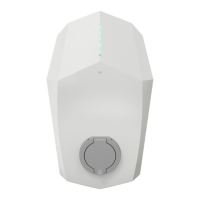
● A Source 2 socket variant can be connected to the car
by plugging the male end of the charging cable into
the socket of the product and the female end of the
charging cable into the charging port of the car.
2. The LED will indicate a successful charging status by showing a
dark blue colour during the charging process.
3. Provide the owner of the product with the pincode.
Well done. You are finished with the installation and
configuration of Source 2!
Insulation Test
After the installation of the product, insulation testing can be performed on
the installation. During the test, the product has to be disconnected from the
installation. If the product is still connected to the installation, the test results
may fail or the electronics of the product may get damaged.


 To Next Page