Volt Time Source 2 Installation Guide - alternative entry
Configure the product
1. Turn on the power supply by switching on the Circuit Breaker
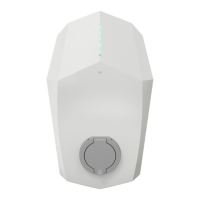
inside the distribution box. The LED should change to green
after a maximum of 3 minutes.
2. Open the Volt Time “Installer App”.
3. Enter the serial number and pincode of the product, found on
the left hand side and bottom of the product respectively.
4. Tap “Configure manually”.
5. Select one of the two site setups in the App:
Create new site
If the product is installed at a completely new installation site,
click on “Create a new site” and follow the on-screen
instructions to configure the product.
Add to existing site
If the product is installed at a site with existing Volt Time
chargers, click on “Add to existing site” and follow the on-screen
instructions to configure the new product.
6. After the configuration of the newly installed product the LED
should be green. Please return to this manual.


 To Next Page