Sonic Series
AC EV Charging Station
User Manual
- 28 -
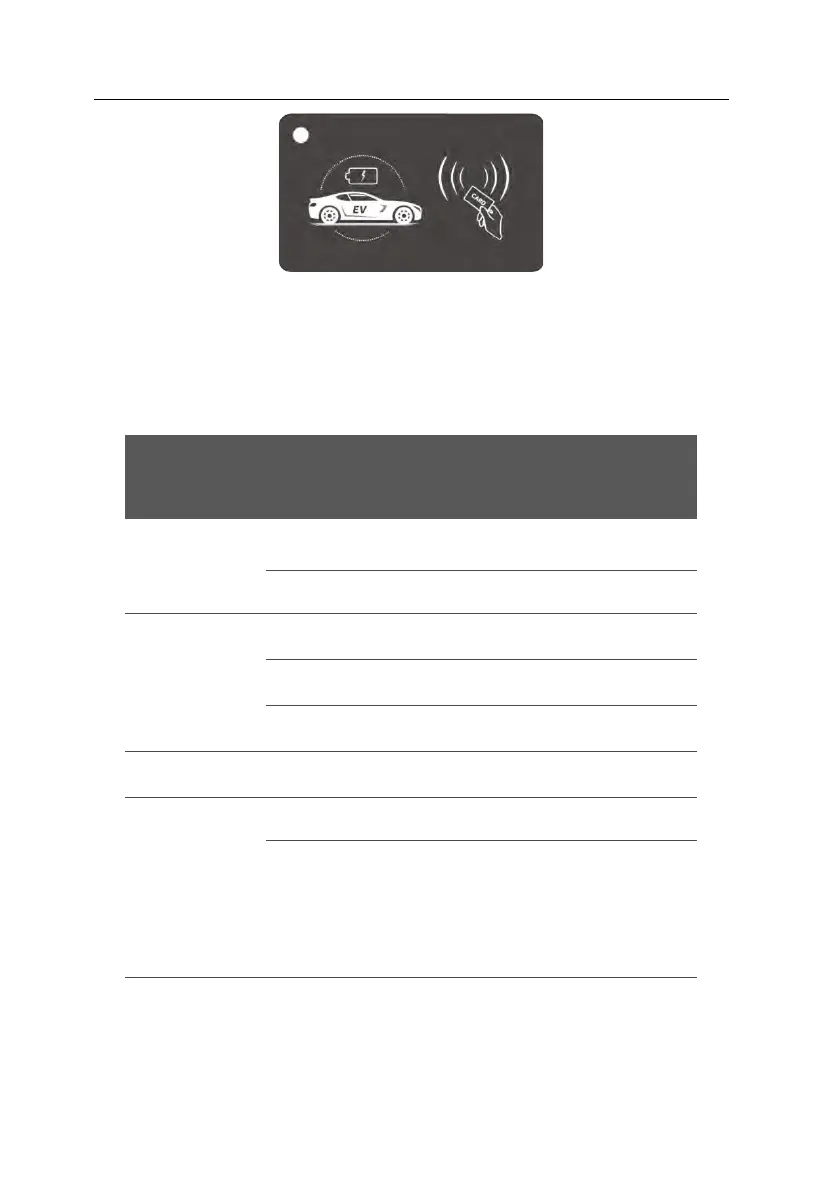
Fig. 6-2 RFID card
6.2.4. LED indicators
The LED indicators on the panel are used to indicate the status of the charging station and the
various combinations of indicators are described as below.
System failure:, Blinking red Indicates the
high level of the fault code. Blinking
yellow indicates the low level of the fault
code
6.2.5 Charging control button
You can press the button to control charging, when Sonic work in button-controlled mode.
◼ Start charging: plug the charging connector into EV socket, press button to start charging.



 To Next Page