Sonic Series
AC EV Charging Station
User Manual
- 32 -
charging will stop.
e) When the charging is end, please unplug the charging connector and plug back to the empty
socket of charging station.
6.6. Abnormally stop charging
a) Forced fault stop: A fault stop initiated by the onboard charger of vehicle.
b) Automatic fault stop:A fault stop initiated by the charging station.
7. FAULT HANDLING AND MAINTENANCE
7.1. Fault Handling
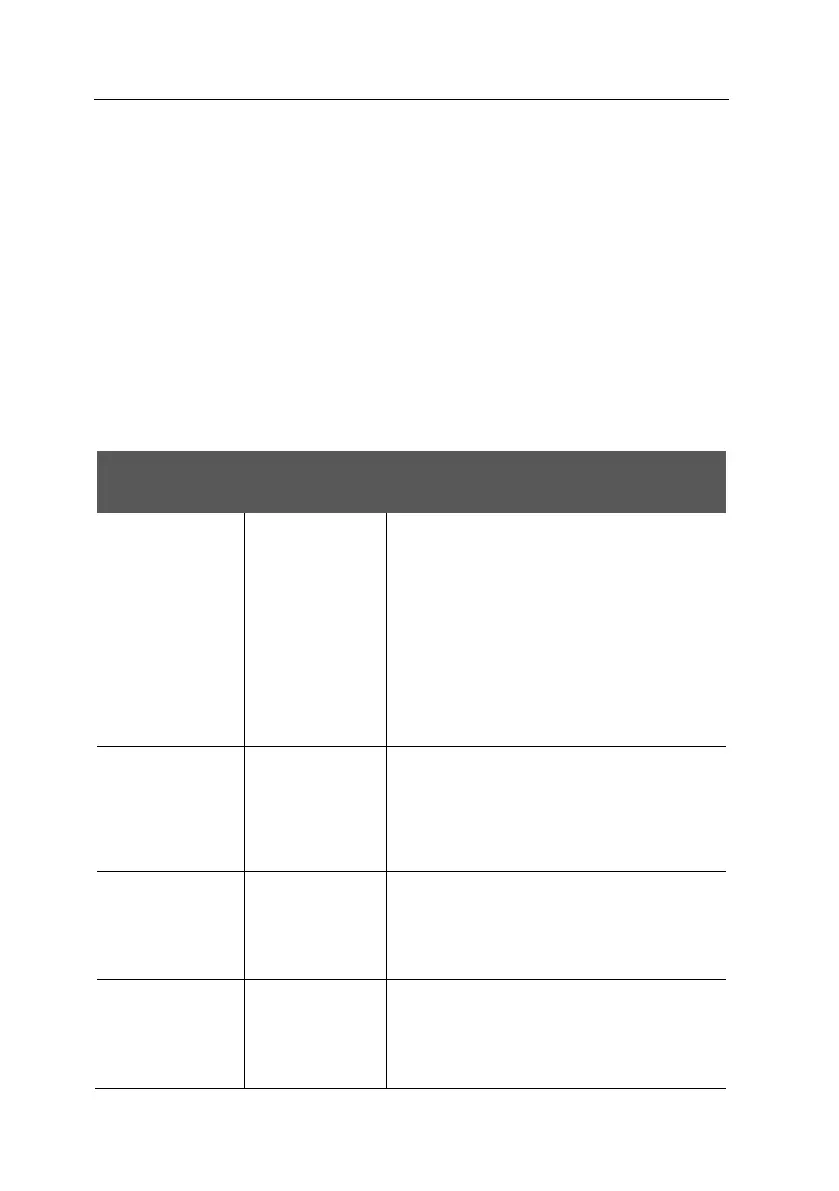
The charging station is automatically protected in the event of the fault. The fault information and
handling methods are as follows.
LED indicator
information
⚫ Check whether the power supply and distribution
are normal;
⚫ Check whether the branch breaker is tripped, and
close the breaker after troubleshooting;
⚫ Check whether the connection is correct, if the
cable comes off, should be properly connected to
tighten the cable.
⚫ LED flash:
Red×1+Yellow×1
Fault code 11:
CP voltage
anomaly
⚫ Check the connection of charging connector and
EV socket.
⚫ Disconnect and reconnect the charging
connector.
⚫ LED flash:
Red×1+Yellow×3
Fault code 13:
Undervoltage
input
⚫ Check whether the input cable is reliably
connected.
⚫ Check whether the input voltage is abnormal.
⚫ LED flash:
Red×1+Yellow×4
Fault code 14:
Overvoltage input
⚫ Check whether the input cable is connected
correctly.
⚫ Check whether the input voltage is abnormal.



 To Next Page