Sonic Series
AC EV Charging Station
User Manual
- 24 -
As shown in Fig. 5-10,
1. Install the sealing cover on the wall box with the removed screws (ten screws in total).
Please ensure that the installation is firm after installation.;
2. Install the decorative cover on the wall box. The decorative cover is installed by means
of snaps, please ensure that the installation is firm.
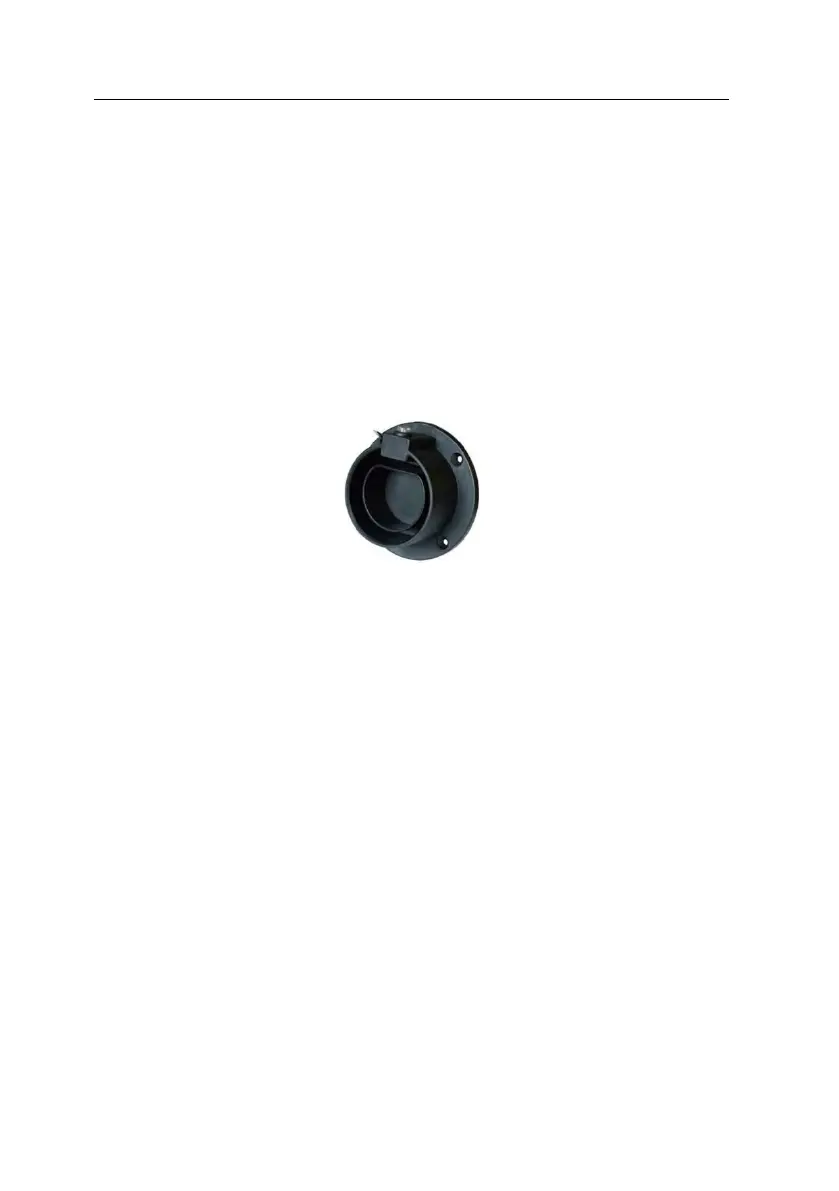
5.5. Empty socket
Sonic series AC EV charging station config a type 2 charging connector. When the charging
station is in standby state, please plug the charging connector in the empty connector socket
in order to protect the charging connector. Please use expansion screws to fix this empty
socket at a suitable position beside the charging station.
Fig. 5-9 Empty socket



 To Next Page