Sonic Series
AC EV Charging Station
User Manual
- 31 -
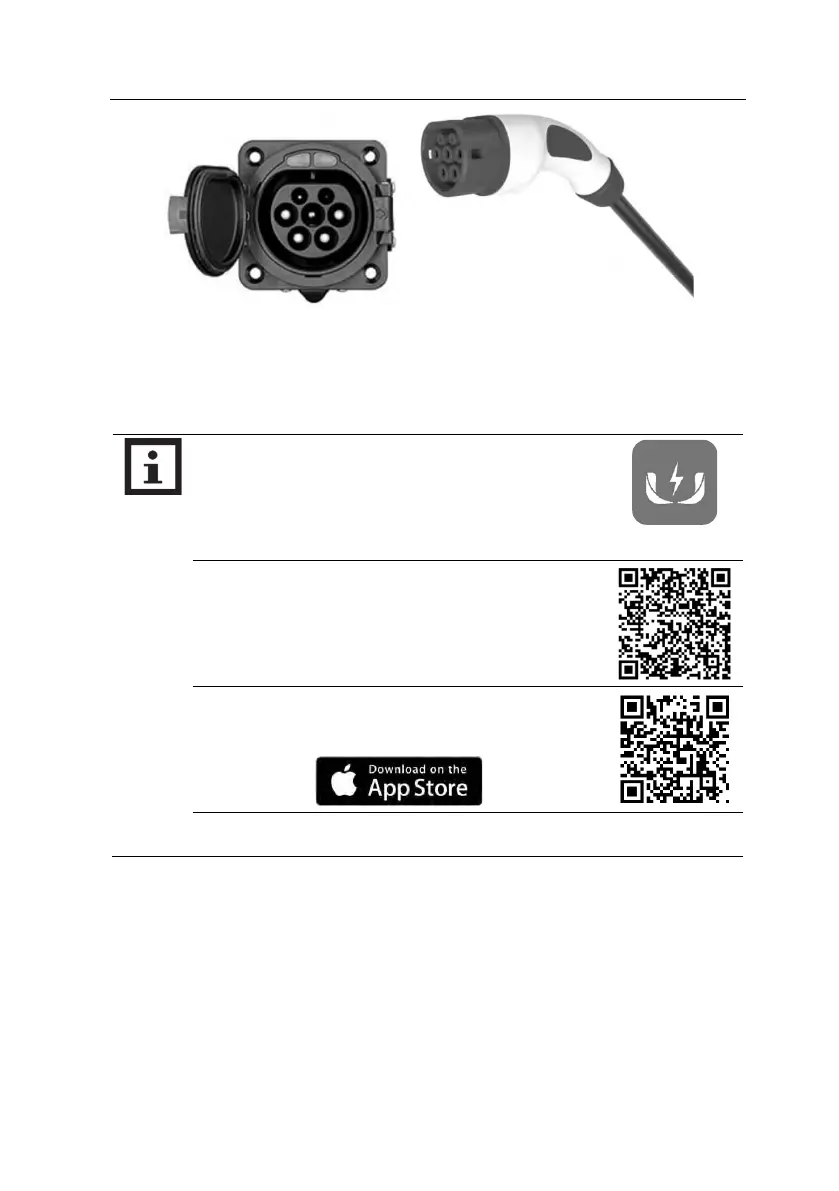
Fig. 6-6 Plug into EV socket
e) For the charging control mode of “Card-controlled” or “APP-controlled”, you can control
charging process by swipe RFID card or APP after charging connector plug in.
6.5. Normally stop charging
a) The charging station will automatically stop when the electric vehicle is fully charged.
b) For the charging control mode of “Button-controlled”, you can stop charging by press
button again, when EV is in charging.
c) For the charging control mode of “Card-controlled”, you can stop charging by swipe your
RFID card again, when EV is in charging.
d) For the charging control mode of “APP-controlled”, click the stop button on your APP, the
▷ If you want to scan QR code on the screen to start charging,
please download and install the
WE E-Charge
APP on your
smart phone.
▷ For Android phone, scan the QR code on the right, and click
“Android Download” button to download and install the
APP.
▷ For iPhone, search “WE E-Charge” in APP Store or scan the
QR code on the right to install APP.
▷ The user manual of APP please refer to the FAQ of APP.



 To Next Page