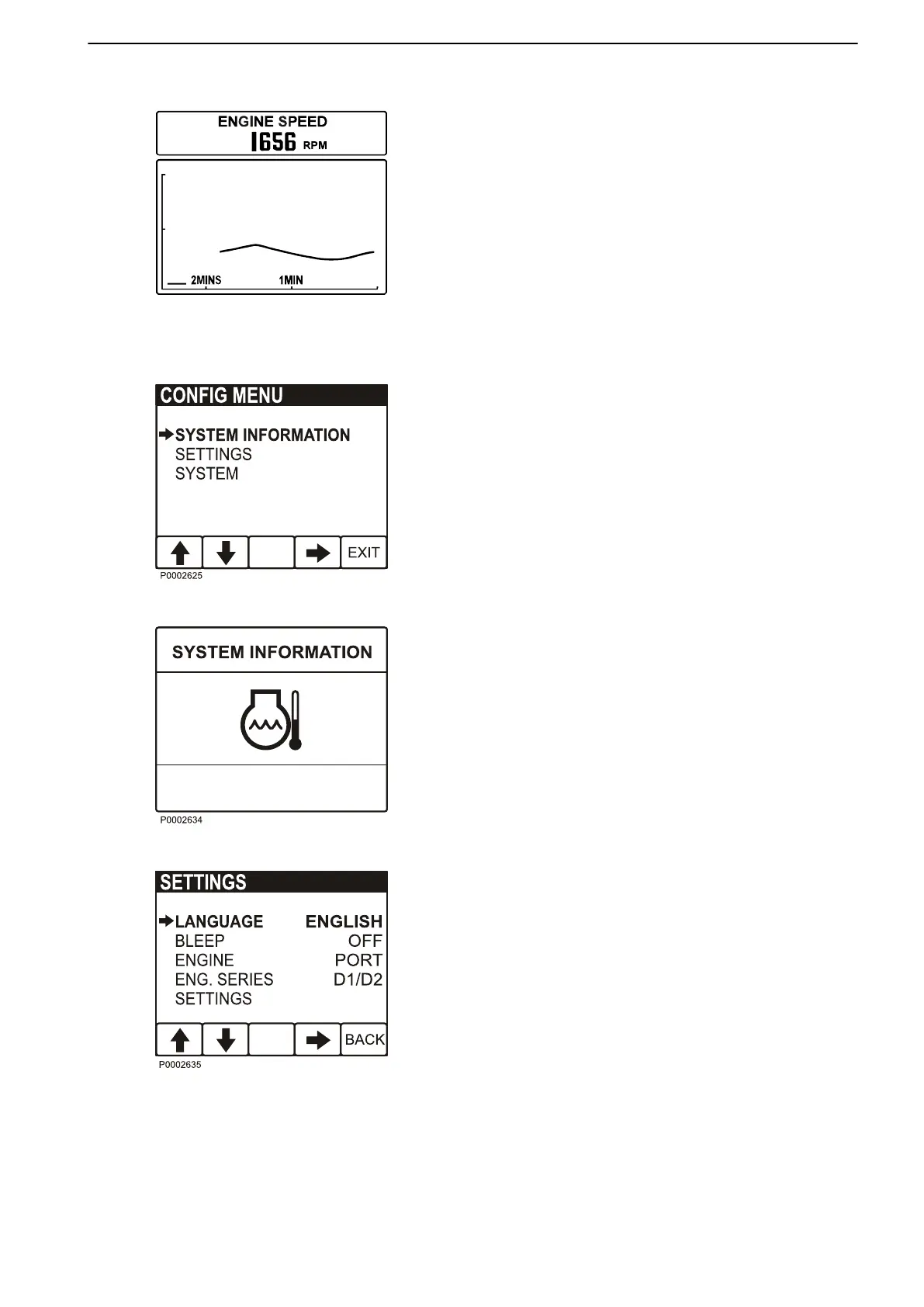
Graph, button 4
This screen displays operational information in the
form of graphs. Depress button 4 repeatedly to select
the information to be displayed. To set the time interval,
refer to Configuration menu.
If contact with the system is lost, a straight line will pro-
ceed across the screen.
Configuration menu
Open the Configuration menu by holding down button
5 for at least 3 seconds. In this screen it is possible to
retrieve System information, enter various display set-
tings, calibrate depth compensation and speed and
retrieve other system information.
Engine ignition must be switched on when changing
display settings or calibrating functions.
Navigate through the menu using the up and down
arrows, and select using the right arrow.
System Information
This screen shows the same information as that shown
in the tachometer display; refer to Instruments and
Controls page 11 for further information.
Alarm
When the system detects a fault, the display automat-
ically switches to the System Information screen. For
further information, refer to Fault Handling page 25.
Settings
Language: setting the display language.
Bleep: setting button bleep On or Off.
Engine: setting the installation the display forms part
of, and the engine to be shown in the display (single,
port, starboard or twin).
Eng. series: setting the engine series for the display
(D1/D2, <D2). The display is factory set for engines
larger than D1/D2, therefore the display must be re-set
before it can be used on D1/D2 engines.
Display: setting speed indicator and tachometer inter-
vals.
Instruments and Controls
47702088 05-2011 15
47702088 - Downloaded from www.volvopenta.com 02/06/2011 18:54:55



 To Next Page