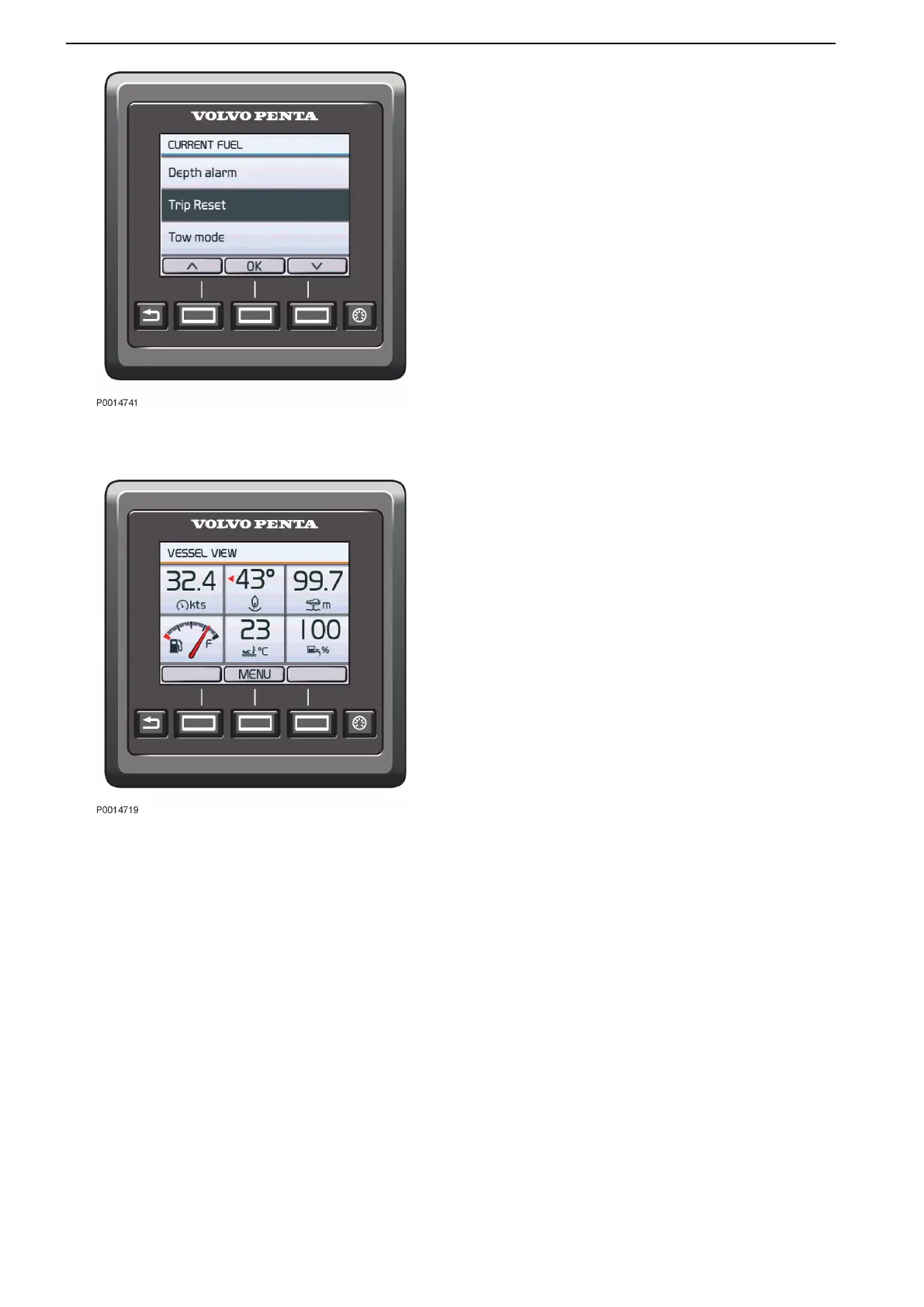
Trip Computer Reset
To reset all trip computer parameters, press the Menu
button and select Trip Reset.
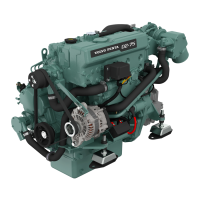
Vessel
The view displays the boat’s installation information.
See the part in this chapter entitled Replace Gauge for
information on how to change settings for the displayed
information.
Depending on the functions installed, the following
parameters can be displayed:
•
Boat Speed
•
Rudder Angle
•
Depth
Refer to Depth Alarm, page 140 for information
about echo sounder settings.
•
Fuel Level
•
Sea Water Temperature
•
Freshwater Level
•
ACP Info
See the chapter entitledOptional, page 82 for
information about Active Corrosion Protection
(ACP).
•
Interceptor Position
Refer to Optional, page 85 for information about
Interceptor Position.
Trip Computer Reset
Vessel
Instruments and Controls
34 47712786 11-2022 © AB VOLVO PENTA



 To Next Page